
Top up from your own number
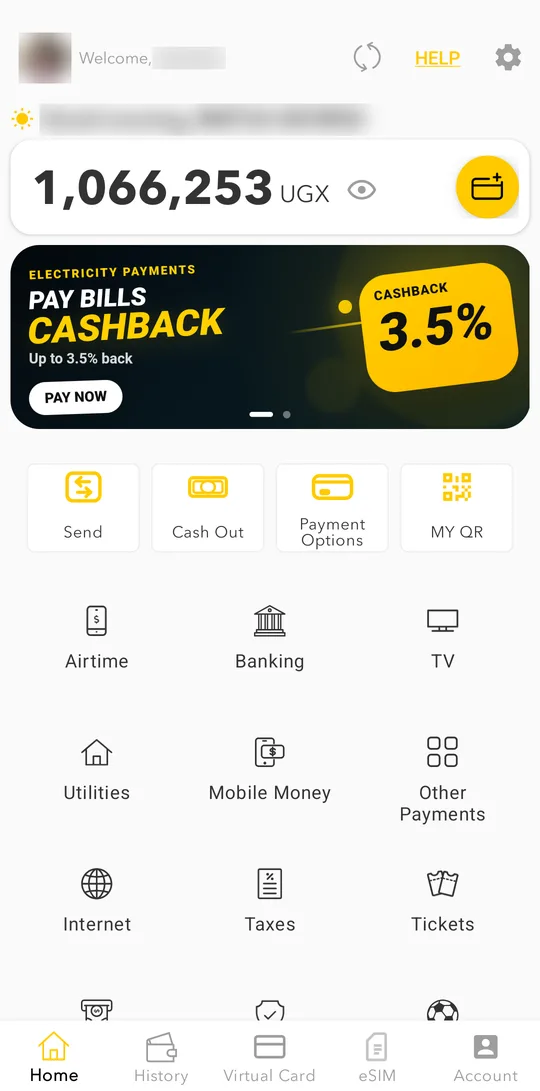
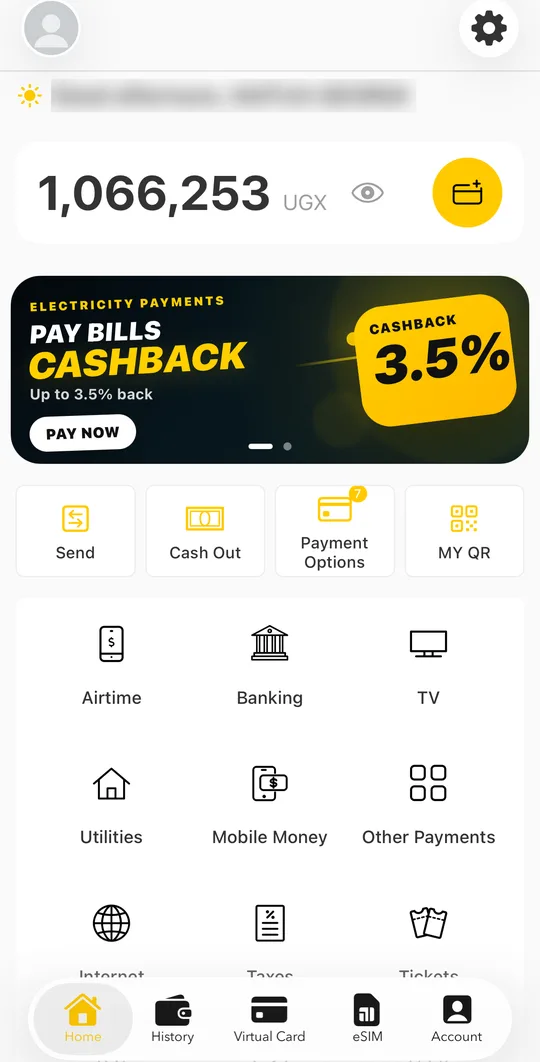
- On the home screen, tap the yellow top-up button next to your balance.
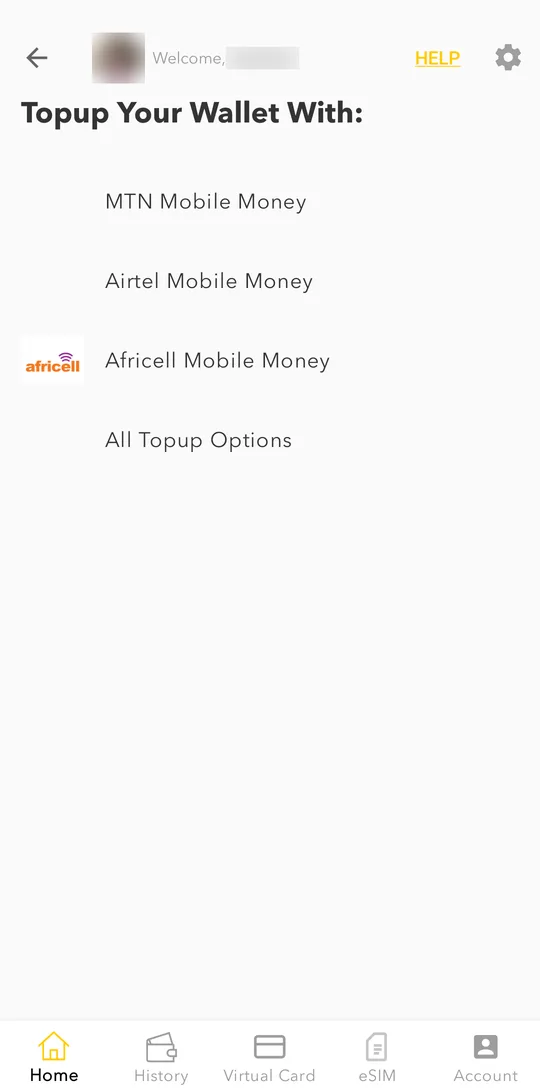
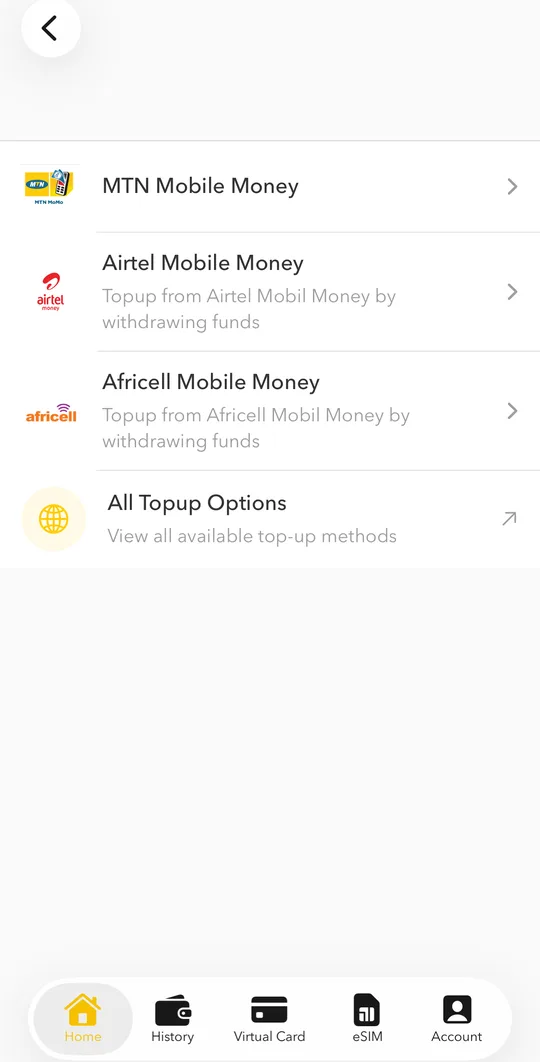
- Choose the Mobile Money of your network: MTN Mobile Money, Airtel Mobile Money or Africell Mobile Money.
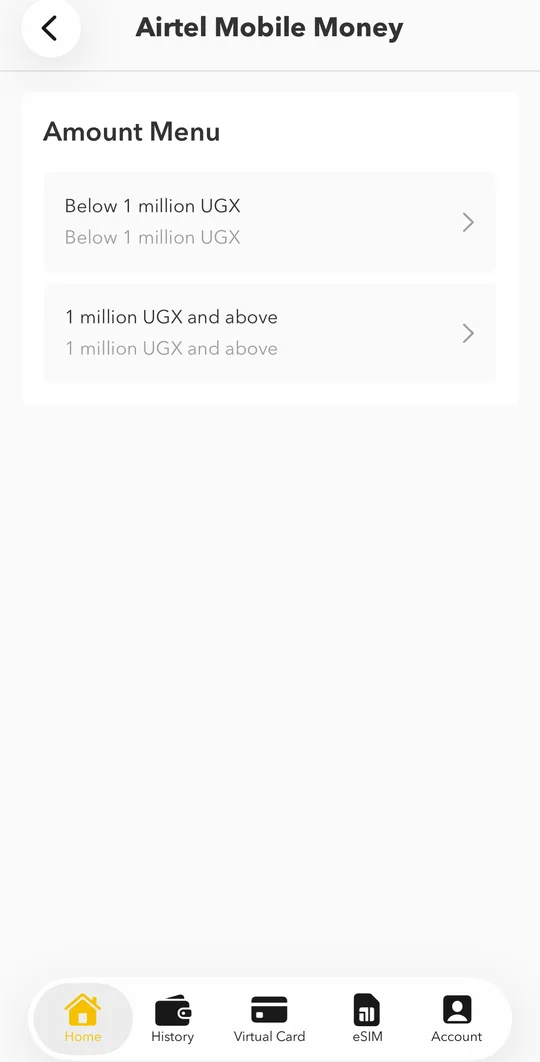
- Choose the amount range: below 1 million UGX, or 1 million UGX and above.
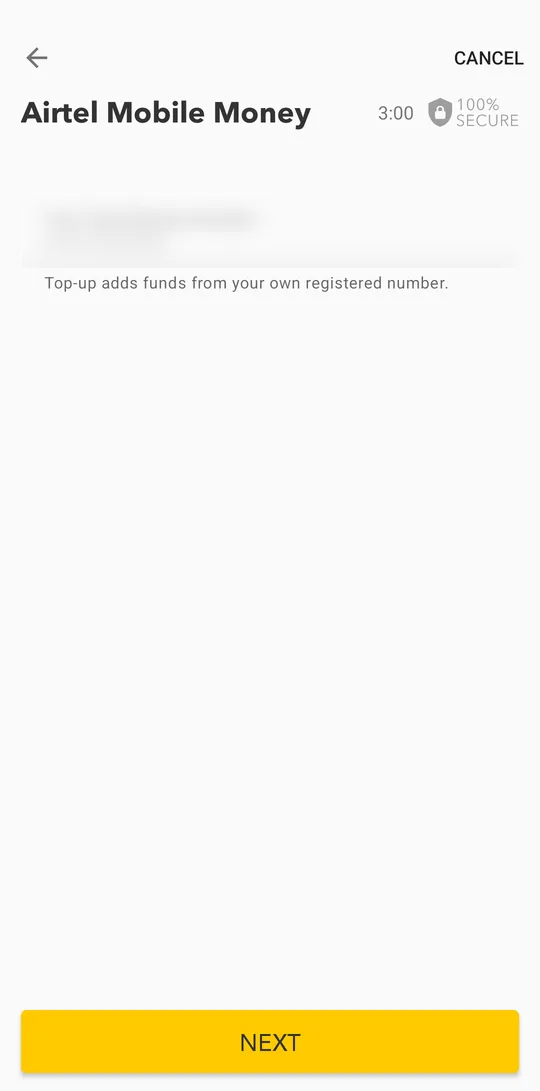
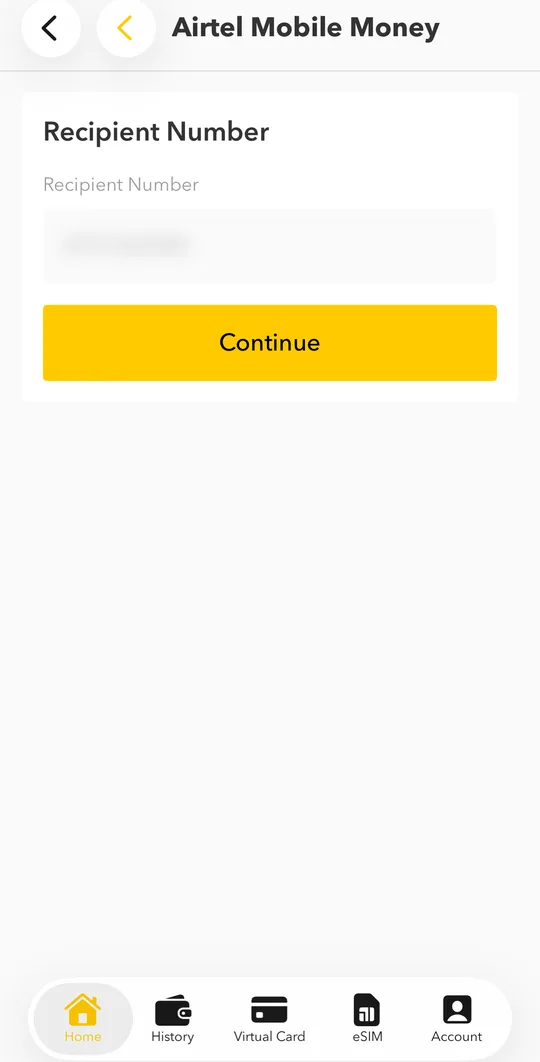
- Your own number is already filled in: top-up always comes from your own registered number. Tap NEXT.Your own number is already filled in: top-up always comes from your own registered number. Tap Continue.
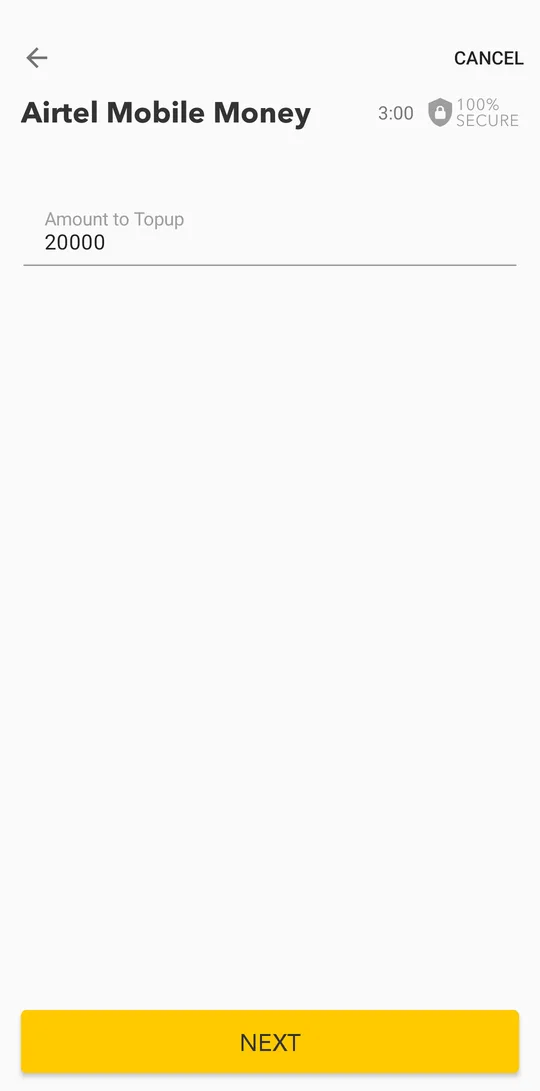
- Enter the amount, tap NEXT, check the details and confirm with your PIN or fingerprint.Enter the amount, tap Continue, check the details and confirm with your PIN or Face ID.
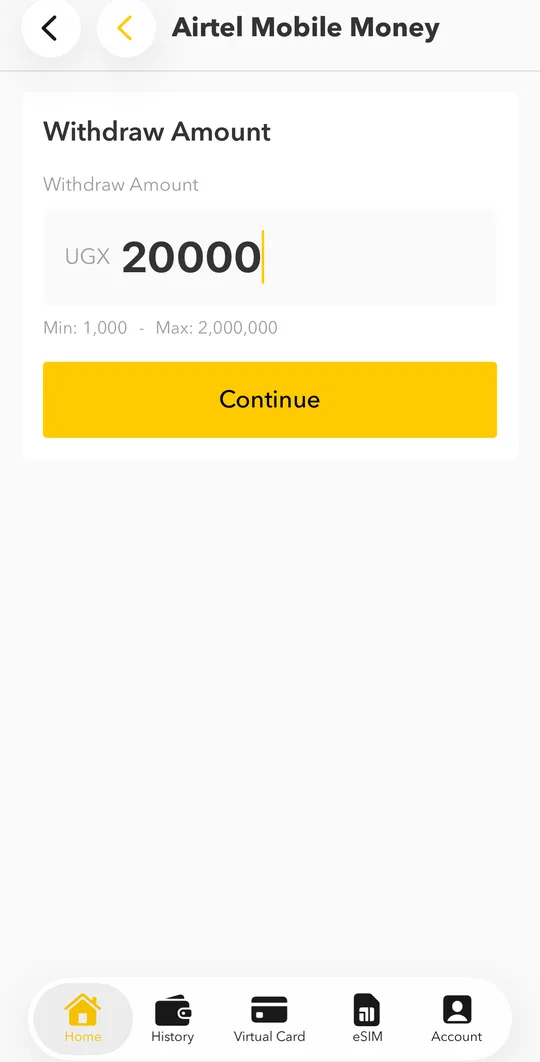
- Your phone shows a Mobile Money prompt. Enter your Mobile Money PIN to approve. If the prompt does not appear, dial *165# (MTN) and approve the pending payment there.
- The money arrives in your wallet within seconds and you get a notification.
Top up from another network
Your wallet is on Airtel but your money is on MTN, or the other way round? You can add your second number as a funding number.
- Choose the Mobile Money of the other network. The app explains that it is not available for your number and offers to confirm your number on that network, for example Confirm my MTN number. Tap it.
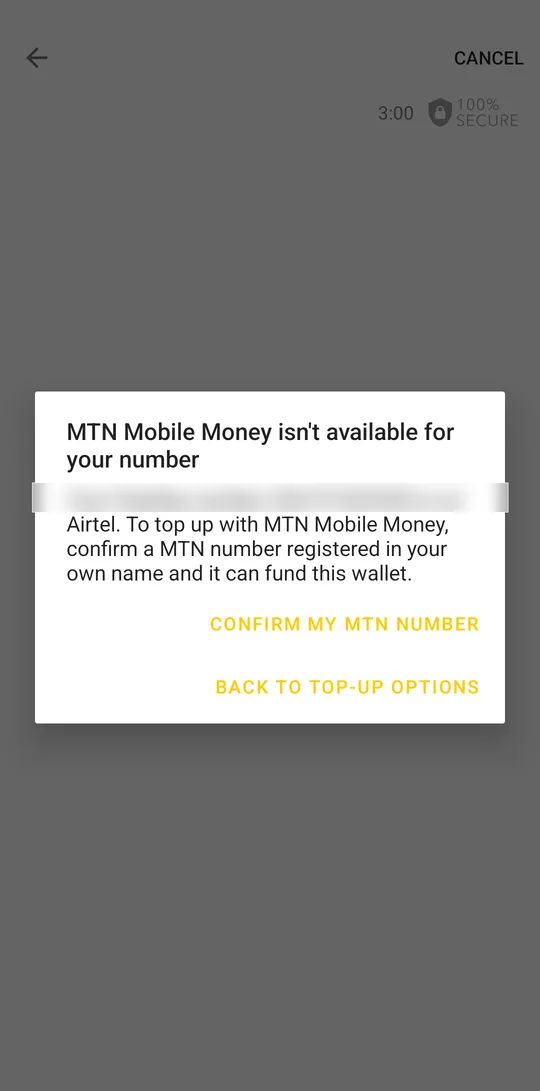
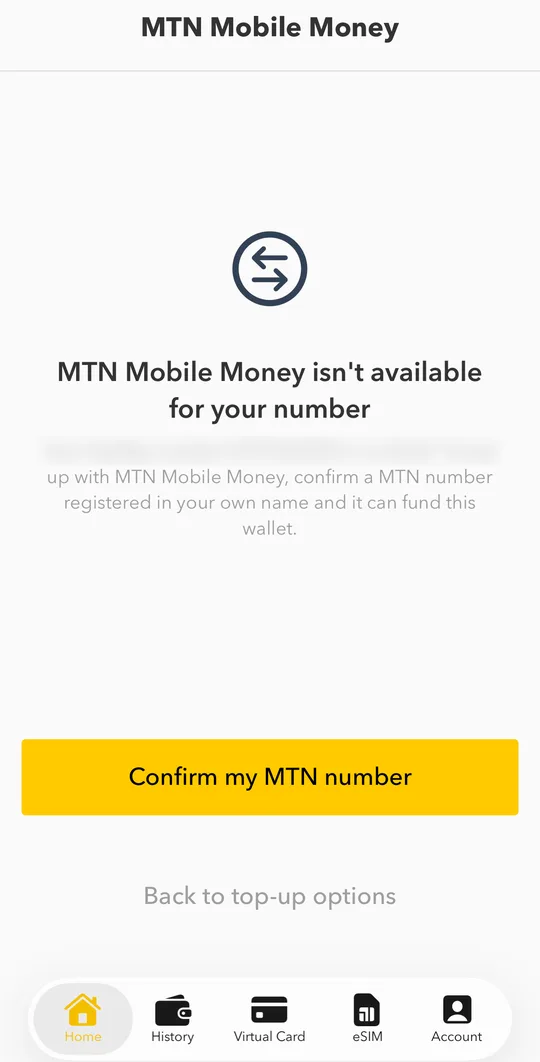
- Enter your number on the other network and tap Send code.
- Enter the confirmation code from the SMS and tap Confirm. From now on you can top up from this number.
The funding number must be registered in your own name, and your ID must be verified. We cannot add a number that belongs to someone else.
Fees and limits
The app shows any fee before you confirm. Your top-up limits depend on your verification level; see them in Account > LIMITS.