
Verification levels
- Browse only. Right after sign-up. You can look around the app, but cannot move money.
- Basic wallet. Quick check with your National ID, passport or driver's license, about 20 seconds. Unlocks top-ups, payments, sending and cash out with lower limits.
- Full wallet. Your ID plus a selfie and a face match, about 45 seconds. Unlocks bank cards, the PayWay Virtual Card and full wallet limits.
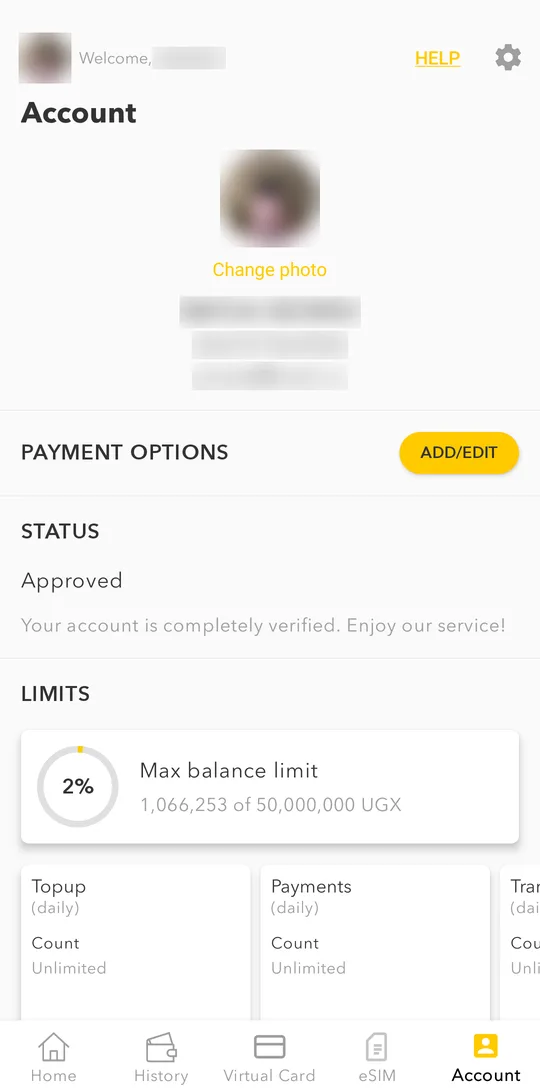
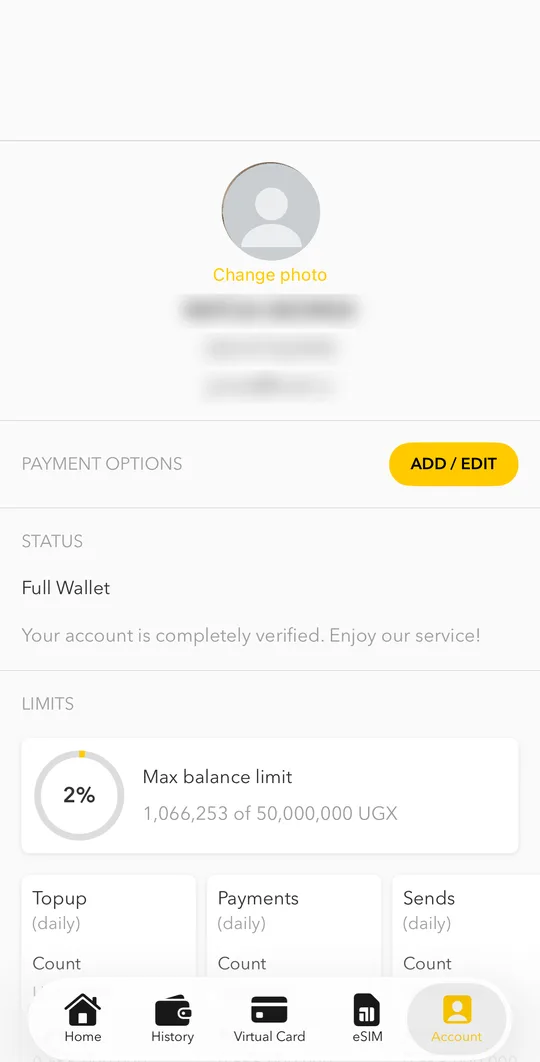
You can see your level and your limits in Account under STATUS and LIMITS.
Start the check
- On the home screen, tap VERIFY on the yellow banner. You can also start from Account or from any action that needs verification.
- Choose the level you want and tap Start verification.
- Allow camera access. Take a photo of your original ID, front and back, in good light. Photocopies and screenshots are refused.
- For the full wallet, take a selfie and follow the face check on the screen.
- Wait for the result. Most checks finish within a minute; some go to our compliance team for a manual review.
Use the same name in the app as on your ID. A different spelling is the most common reason for a refusal.
If something goes wrong
- Verification pending / compliance review in progress. We are checking your documents. You will get a notification with the result.
- Verification declined. The app shows the reason. Fix it and send your documents again.
- Wallet suspended. The 90-day period ended without a verified ID. Open the app and tap Unlock to verify.