
Add a card
- On the home screen tap Payment Options (or ADD/EDIT in Account). You see My Cards. Tap Add New Card.On the home screen tap Payment Options (or ADD / EDIT in Account). You see My Cards. Tap Add New Card.
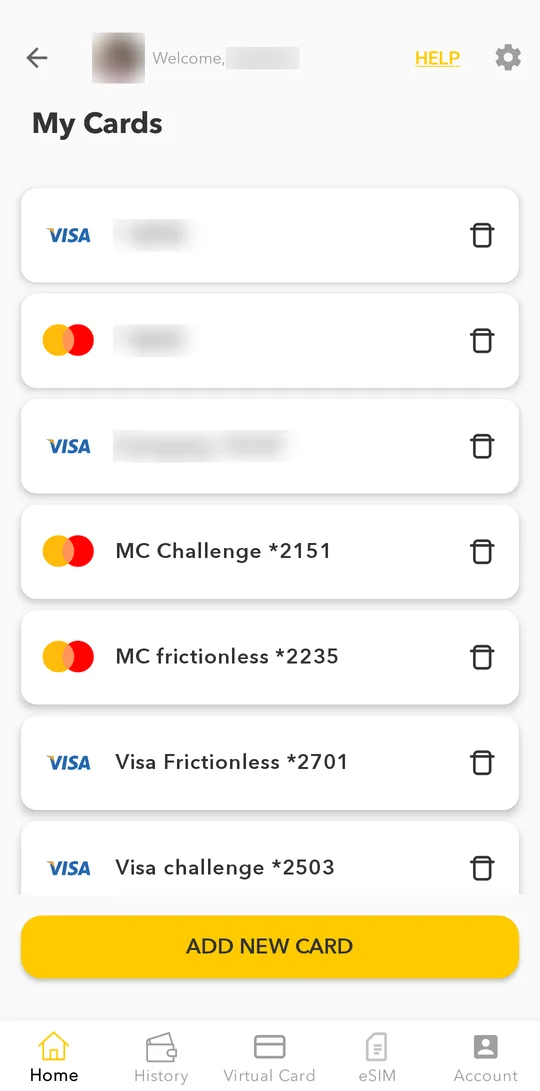
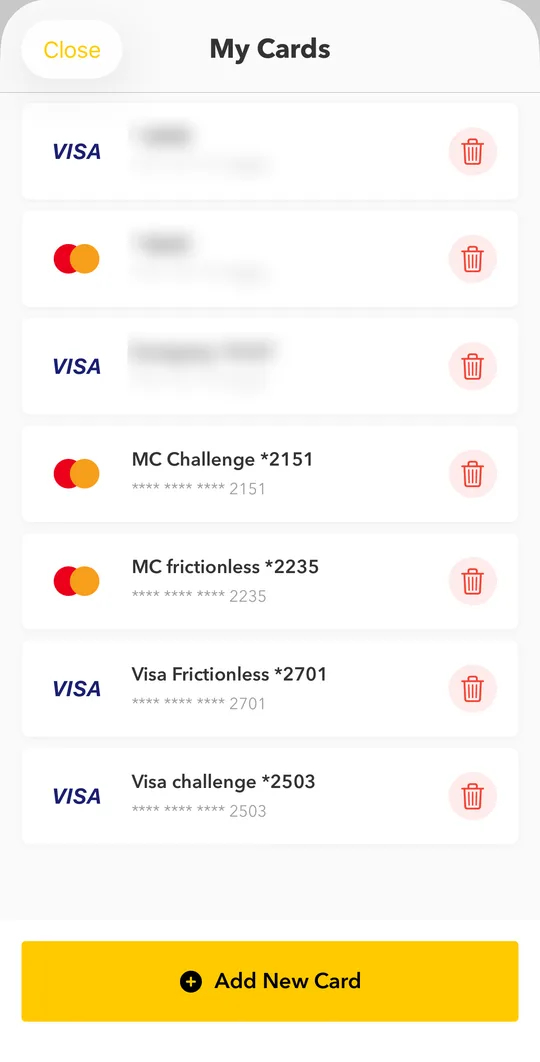
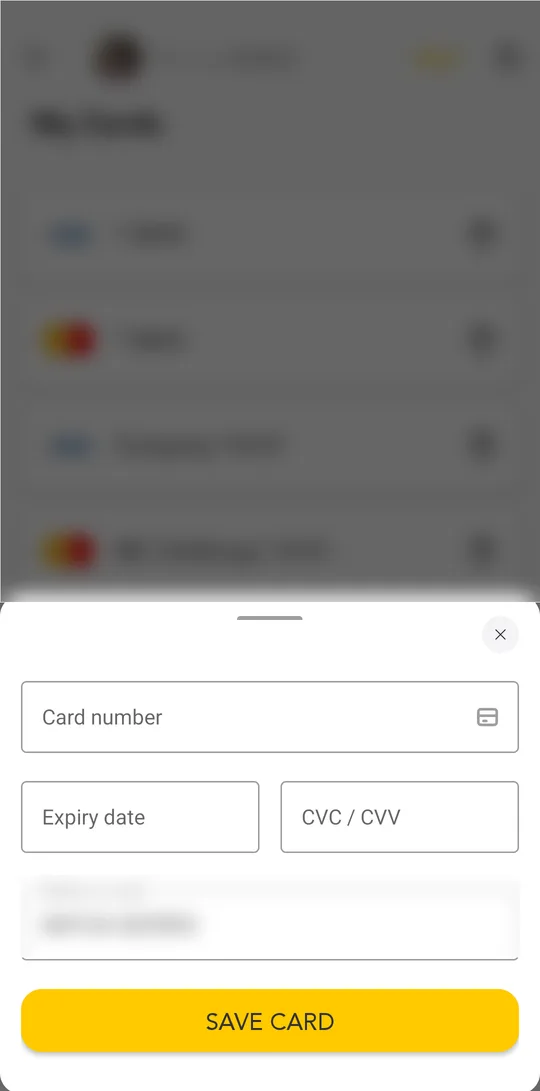
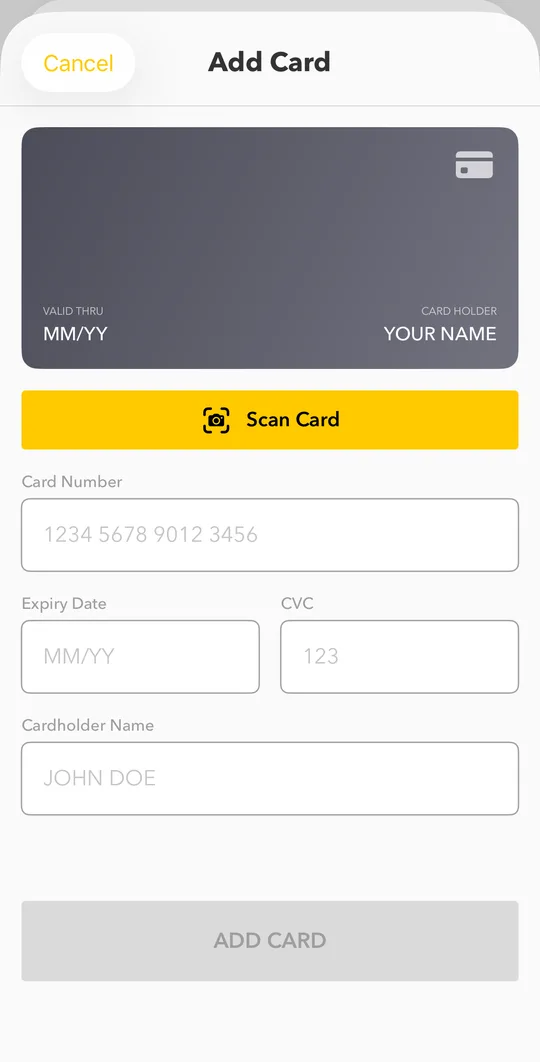
- Enter the card number, expiry date and CVC. Check the name on the card and tap SAVE CARD.Enter the card number, expiry date, CVC and the name on the card, or tap Scan Card to fill it with the camera. Tap ADD CARD.
- To check the card is yours, we charge a small random amount. Find it in your bank SMS or banking app, enter the exact amount and tap VERIFY CARD. You get the amount back: on Android you can choose to add it to your wallet right away or return it to the card.
Bank cards need a full wallet. If you see a verification request, finish the ID check with a selfie first.
Pay with the card
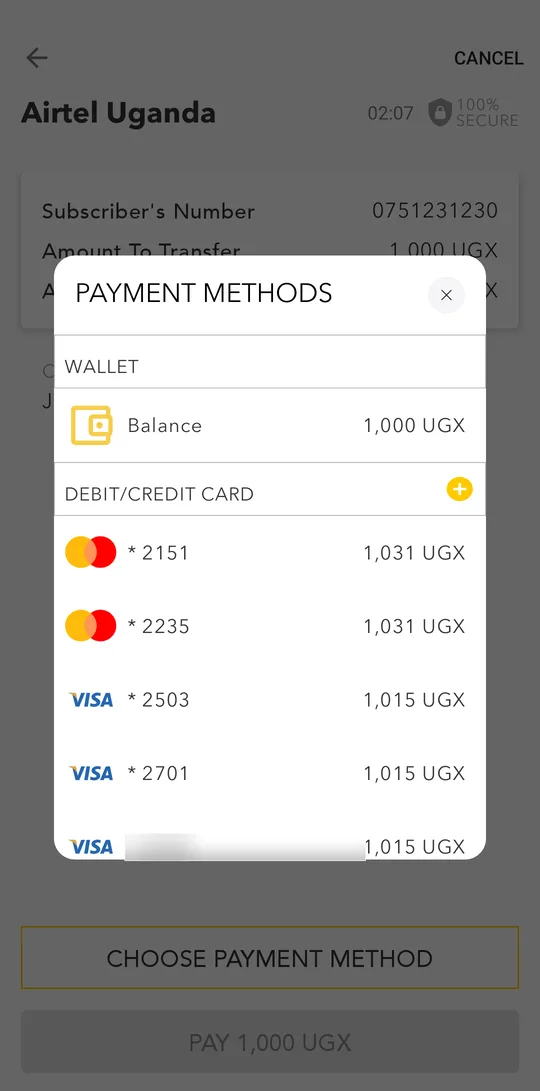
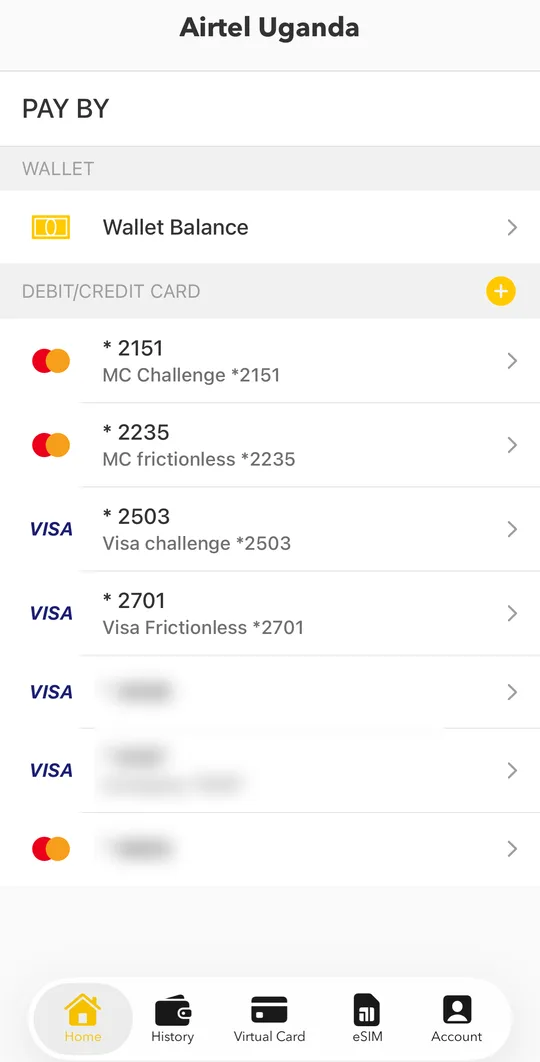
When you pay a bill or buy airtime, tap CHOOSE PAYMENT METHOD and pick your card under DEBIT/CREDIT CARD. Your bank may then ask you to confirm the payment with a code or in your banking app (3-D Secure). This protects you if someone else gets your card details.When you pay a bill or buy airtime, pick your card under PAY BY. Your bank may then ask you to confirm the payment with a code or in your banking app (3-D Secure). This protects you if someone else gets your card details.
If a card payment fails, you can simply try again: each attempt runs a new bank check.
Manage your cards
In Payment Options > My Cards you can rename a card, choose a default card or delete a card you no longer use.