
Make a payment
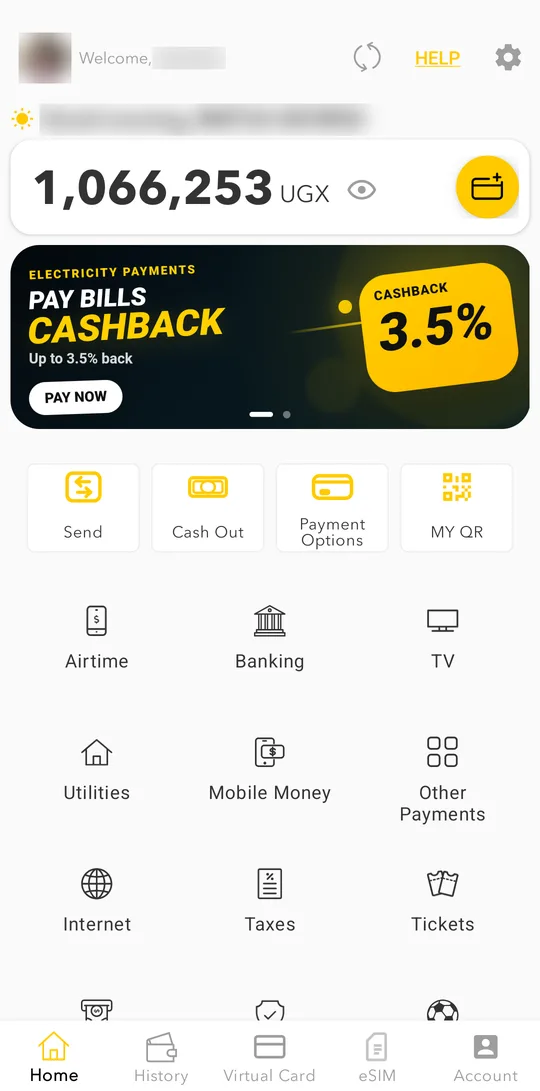
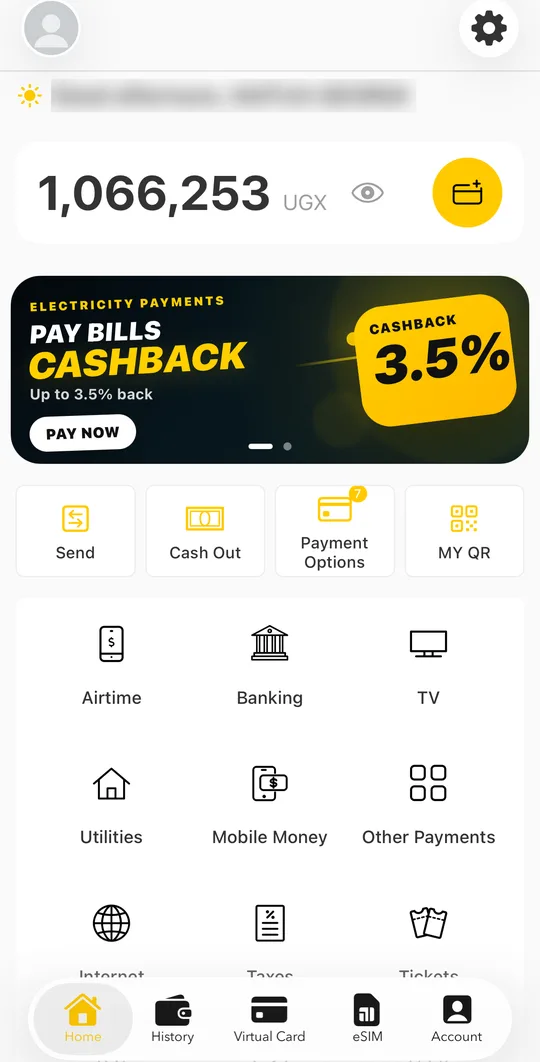
- On the home screen, choose a category: Airtime, Banking, TV, Utilities, Internet, Taxes and more.
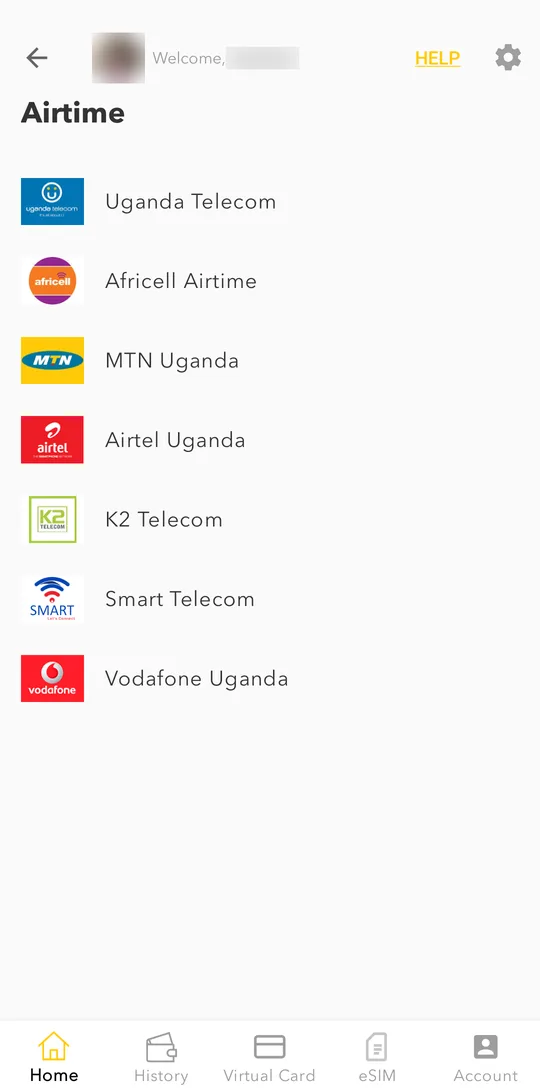
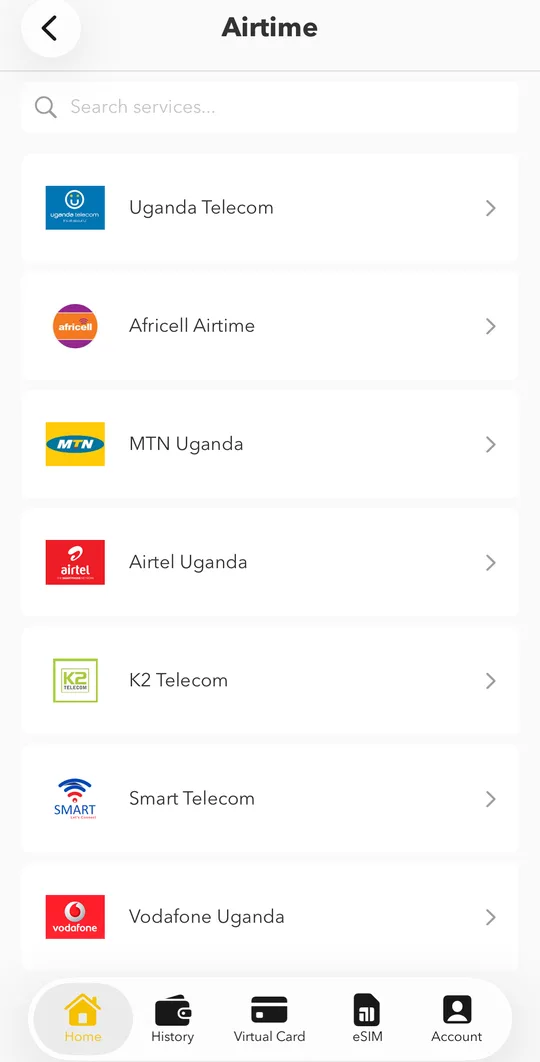
- Choose the service, for example your network for airtime.
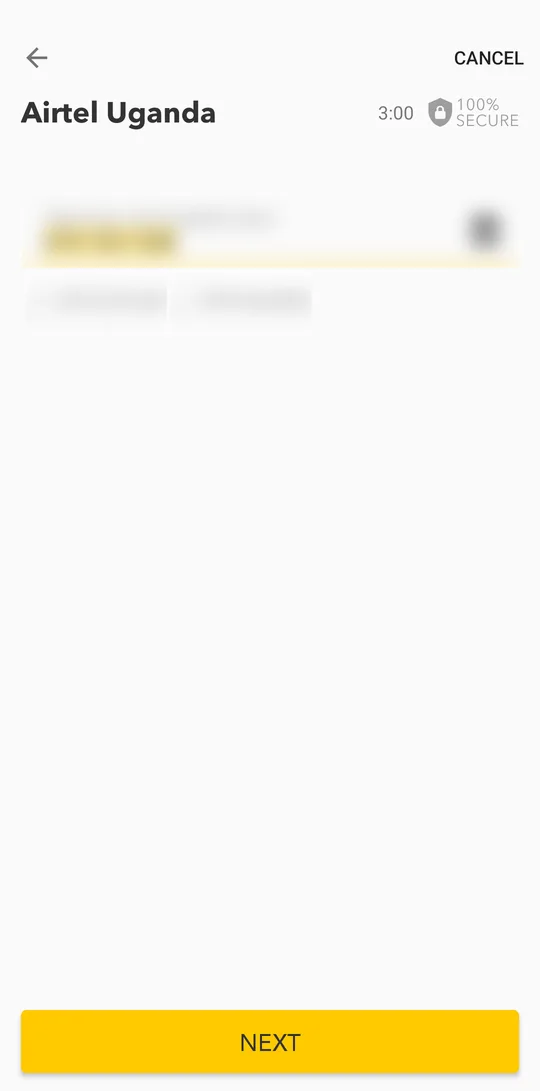
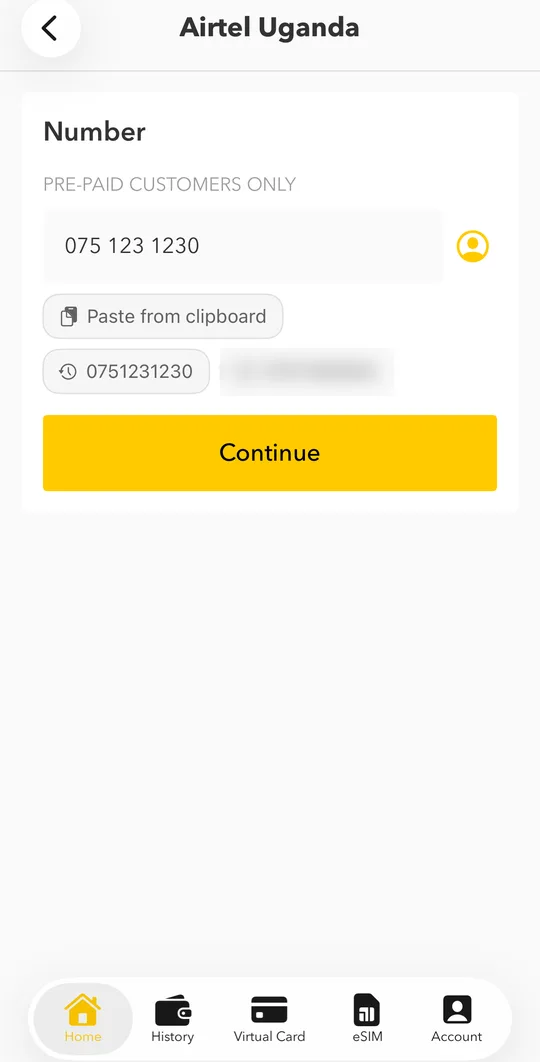
- Enter the phone, meter or account number, or tap one you used before, then tap NEXT.Enter the phone, meter or account number, or tap one you used before, then tap Continue.
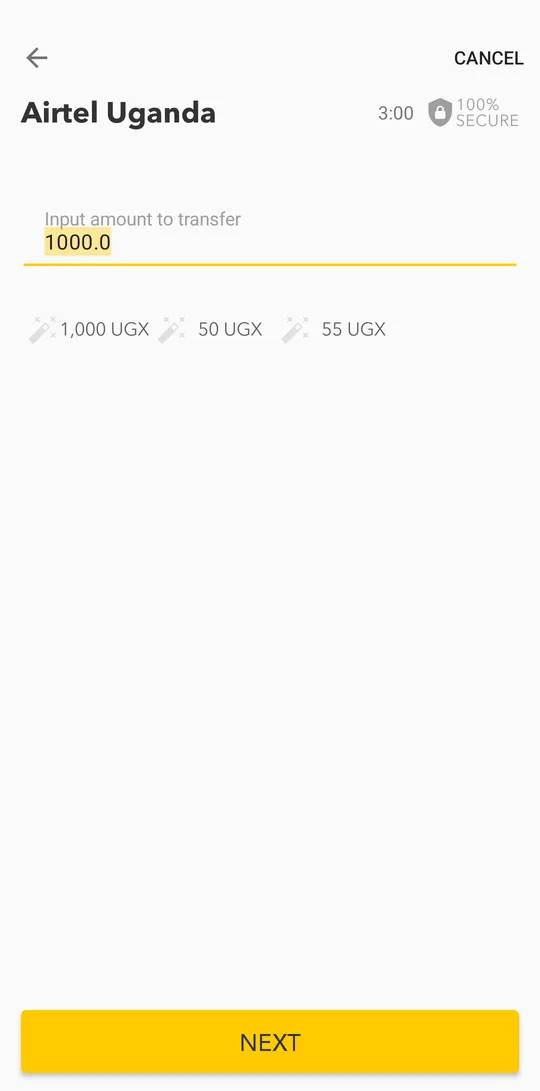
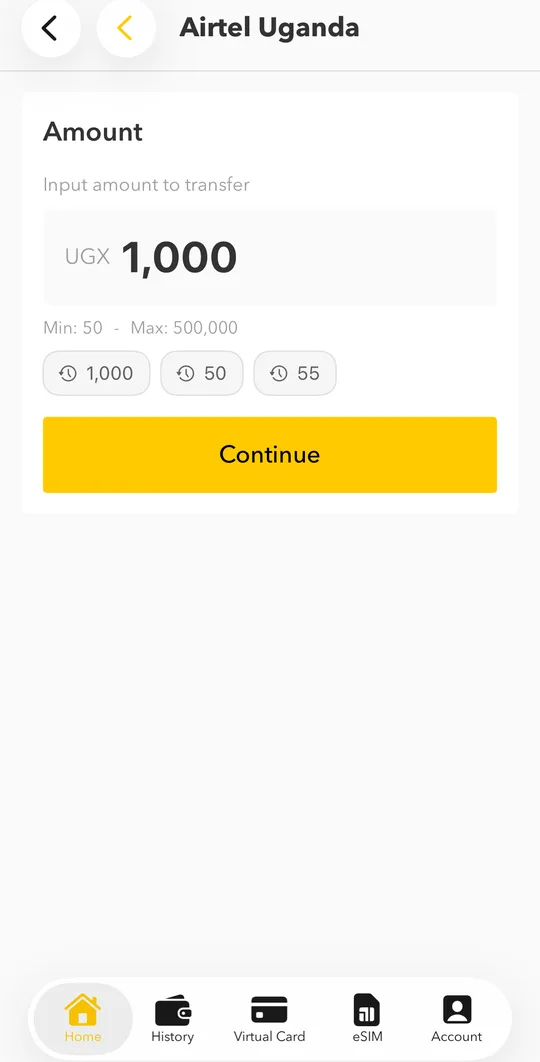
- Enter the amount or tap a suggested one, then tap NEXT.Enter the amount or tap a suggested one, then tap Continue.
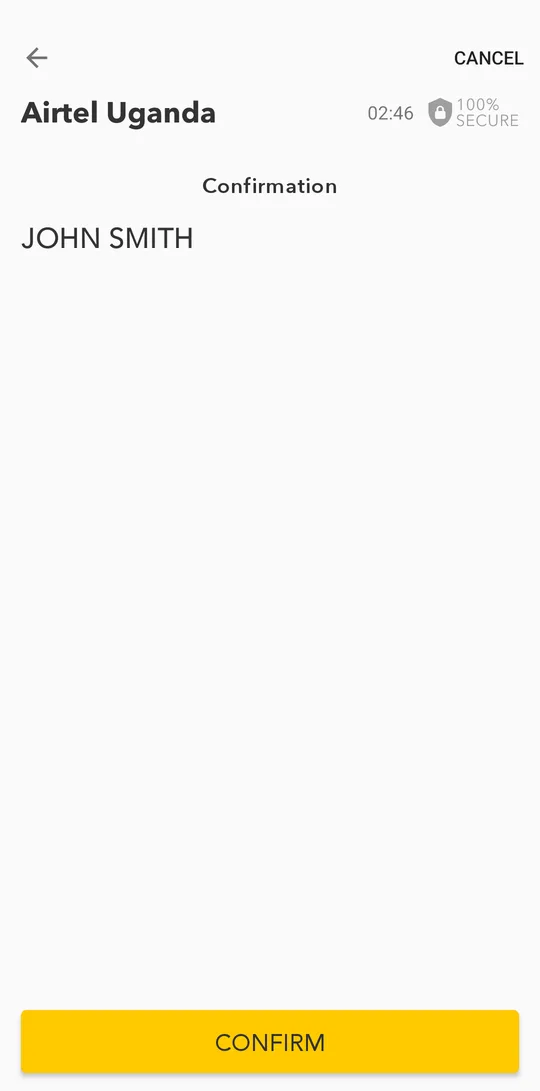
- Check the customer name we found for that number and tap CONFIRM.
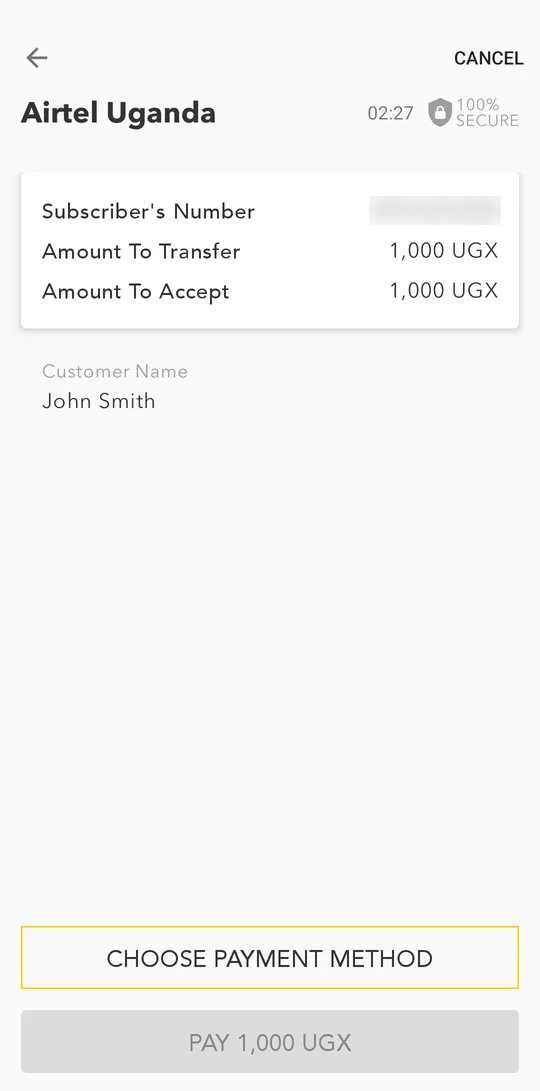
- Check the summary. Tap CHOOSE PAYMENT METHOD to pay from your wallet balance or with a bank card.
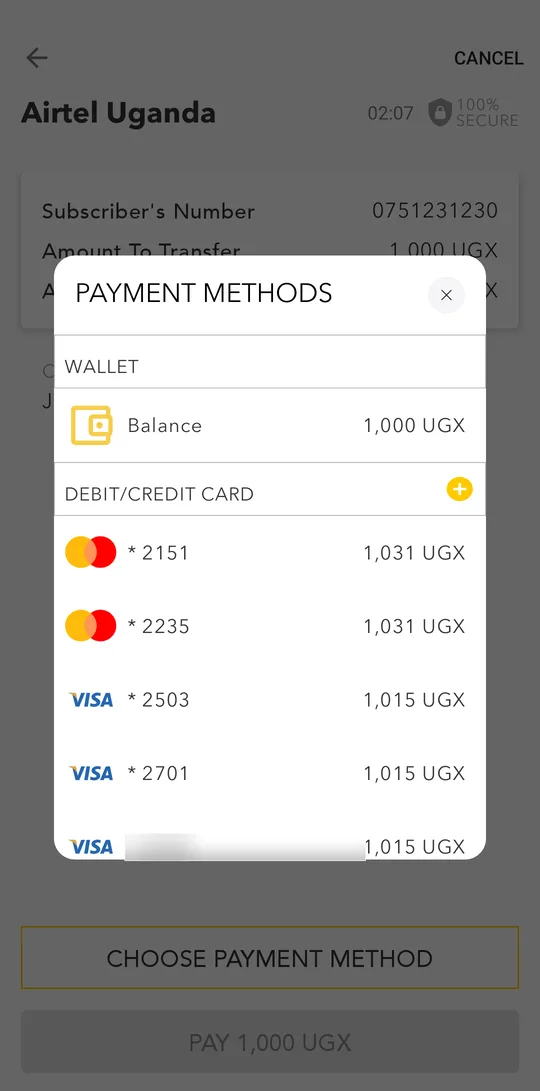
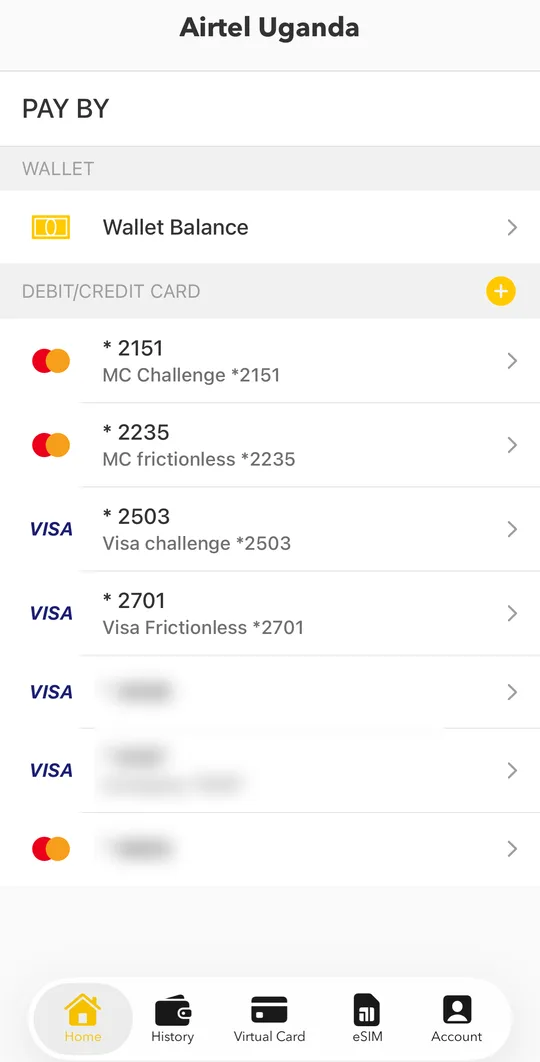
- Pick the wallet or a card. Each option shows the total you will pay.Under PAY BY, pick Wallet Balance or one of your bank cards.
- Check the customer name, the number and the total on Confirm Payment.
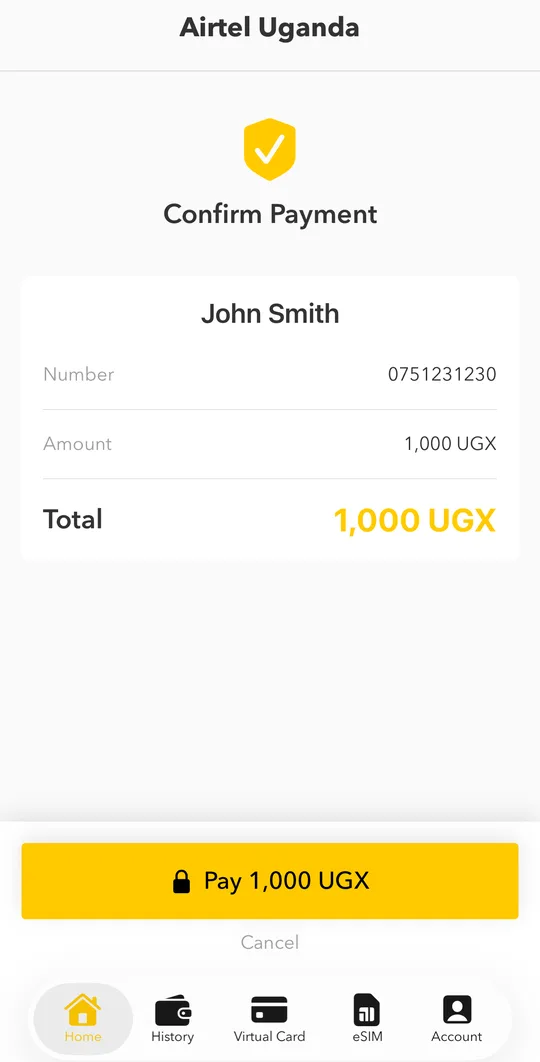
- Tap PAY and confirm with your PIN or fingerprint. You see the result with your token or reference, and the receipt is saved in History.Tap Pay and confirm with your PIN or Face ID. You see the result with your token or reference, and the receipt is saved in History.
Paid the same bill before? Tap the Repeat chip on the home screen to pay it again in seconds.
Electricity tokens
For prepaid electricity the token appears on the success screen and in the receipt in History. You also get it by SMS.