
To another PayWay wallet
- On the home screen, tap Send and choose PayWay Wallet.
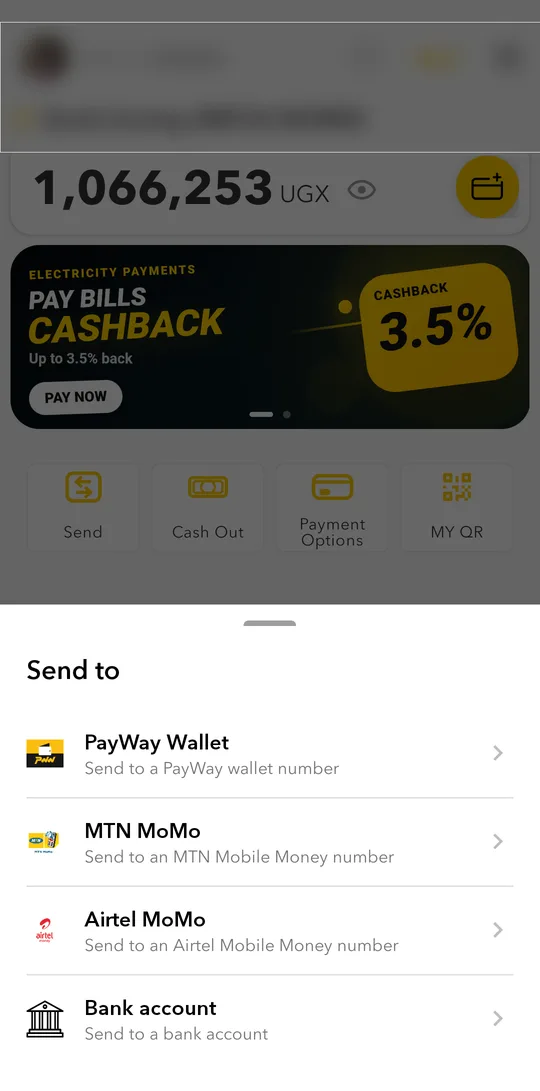
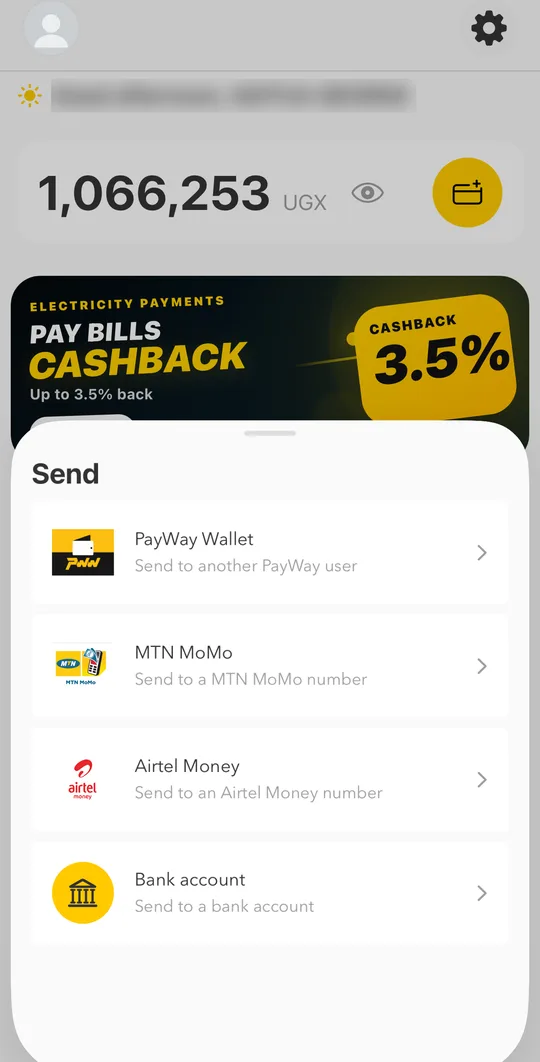
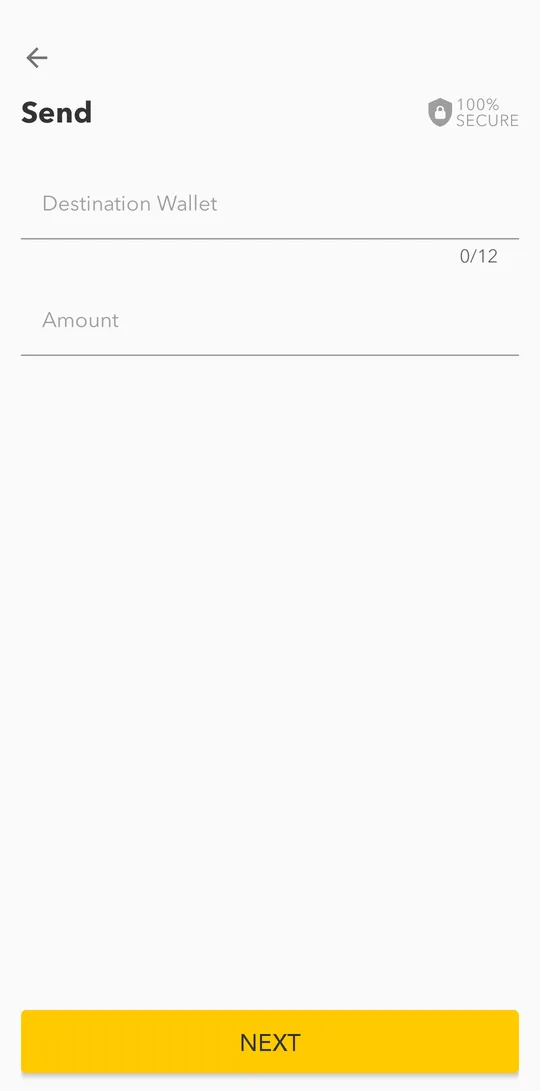
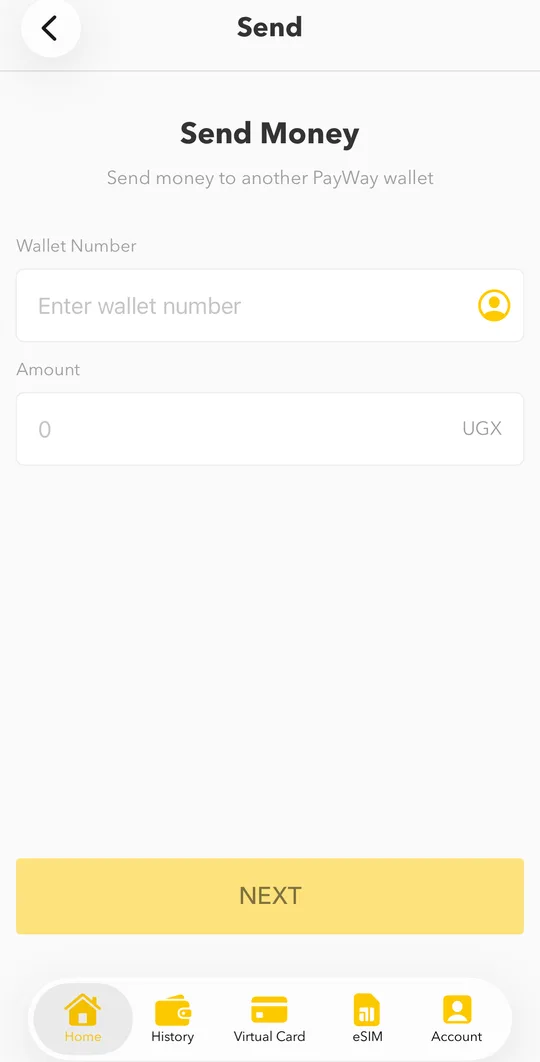
- Enter the destination wallet number and the amount, then tap NEXT.
- Check the recipient's name, the charge and the total on Confirm Send.
- Tap SEND and confirm with your PIN or fingerprint.Tap SEND and confirm with your PIN or Face ID.
The person you send to can show you their My QR code. See Receive money with My QR.
To MTN Mobile Money or Airtel Money
Tap Send, choose MTN MoMo or Airtel MoMo, enter the phone number and the amount, check the name and confirm. The money arrives on the Mobile Money account within minutes.Tap Send, choose MTN MoMo or Airtel Money, enter the phone number and the amount, check the name and confirm. The money arrives on the Mobile Money account within minutes.
To a bank account
Tap Send and choose Bank account. Pick the bank, enter the account details and the amount, check and confirm.
Fees and taxes
The confirmation screen shows the charge and the excise tax before you send. Nothing is taken until you confirm.