
PayWayHelp Center
Help Center / Your account

History and receipts

Find any transaction, see its details and share or print the receipt.

Find a transaction

  1. Open the History tab. Use Search transactions to find a payment by name or number.
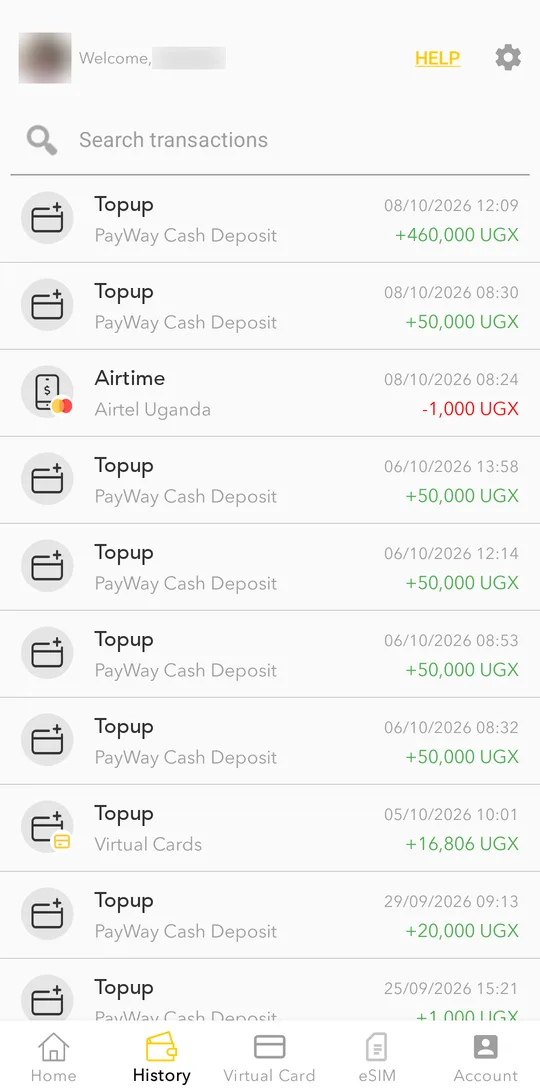
    Open the History tab. Use Search transactions to find a payment by name or number.
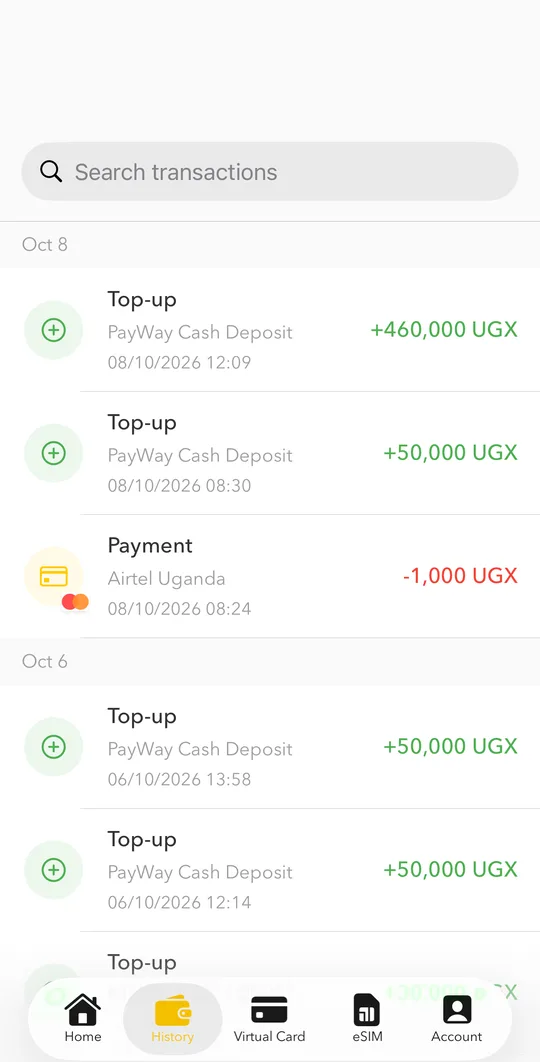
    Open the History tab. Use Search transactions to find a payment by name or number.
  2. Tap a transaction to see its details: transaction ID, charge and your balance before and after.
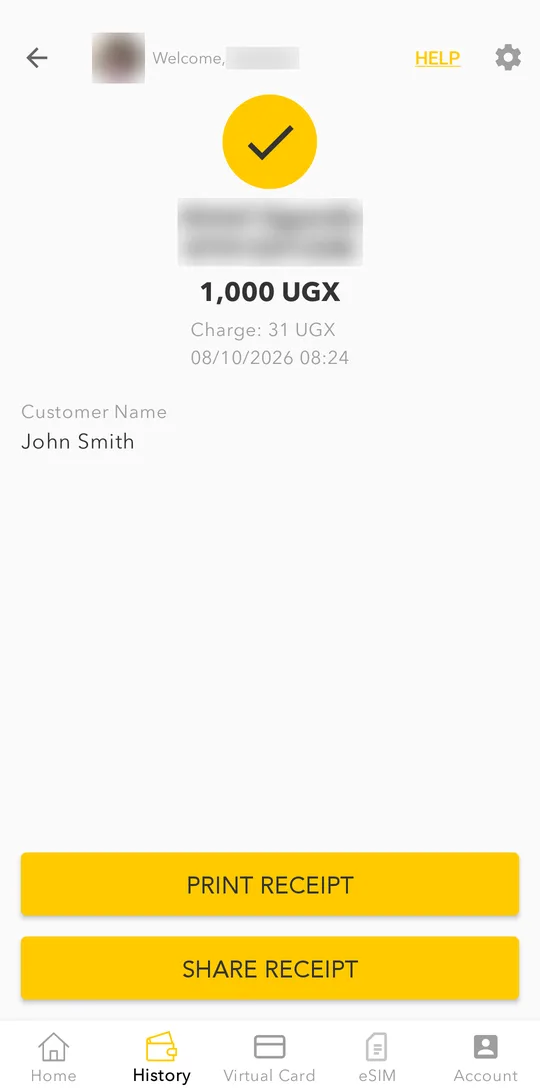
    Tap a transaction to see its details: transaction ID, charge and your balance before and after.
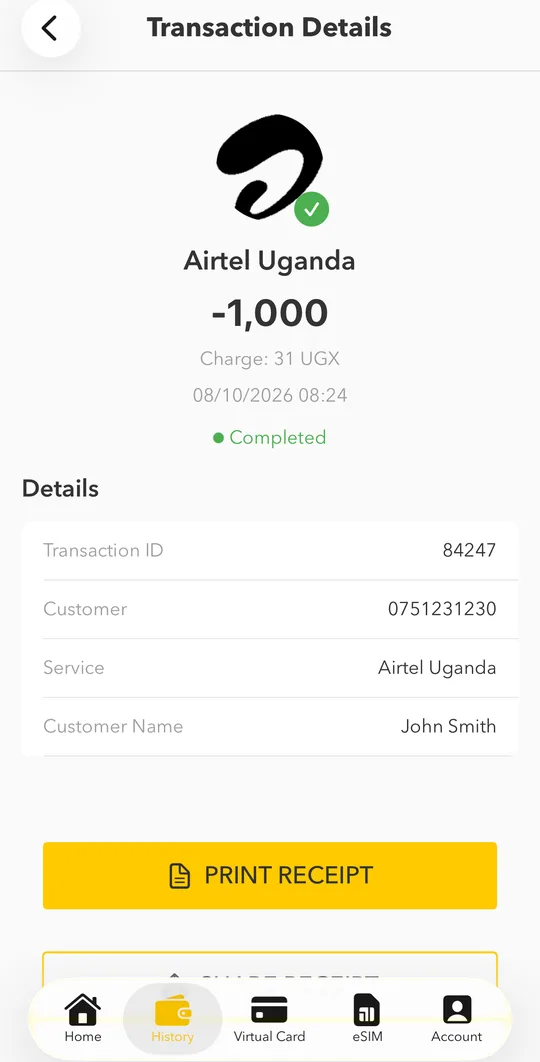
    Tap a transaction to see its details: transaction ID, charge and your balance before and after.
  3. Tap SHARE RECEIPT to send it, or PRINT RECEIPT to save it as a PDF.

Related

Still need help? Talk to us.

WhatsApp

+256 709 002 002

Customer care (free)

0800 20 30 20

Email

customercare@payway.ug