
Your profile
Open Account and scroll down to Personal Details to see your name, phone, email, date of birth, document and address. Your name and document come from your verification and cannot be changed in the app. You can add or change your email (we send a 6-digit code to confirm it) and your address.
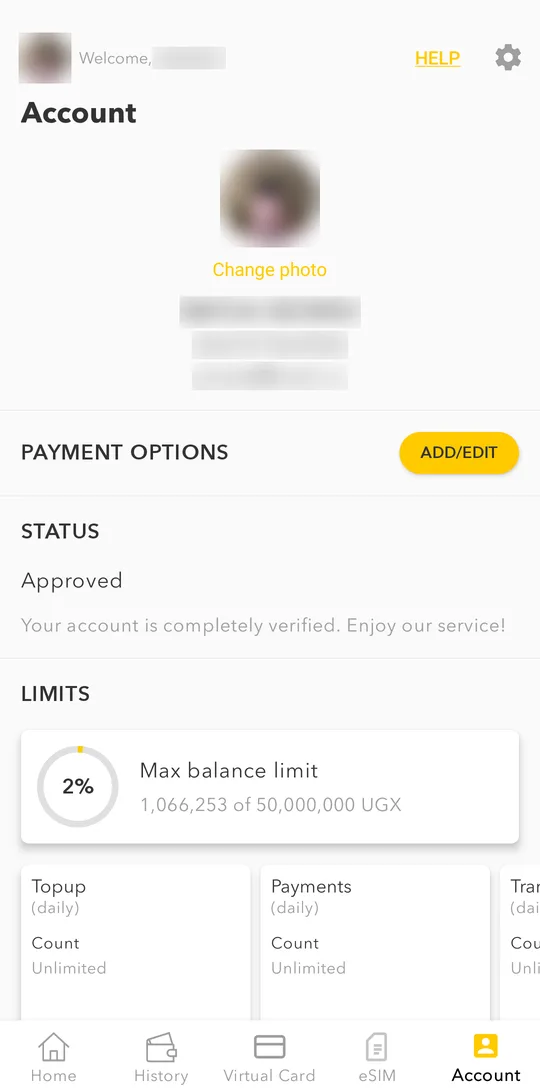
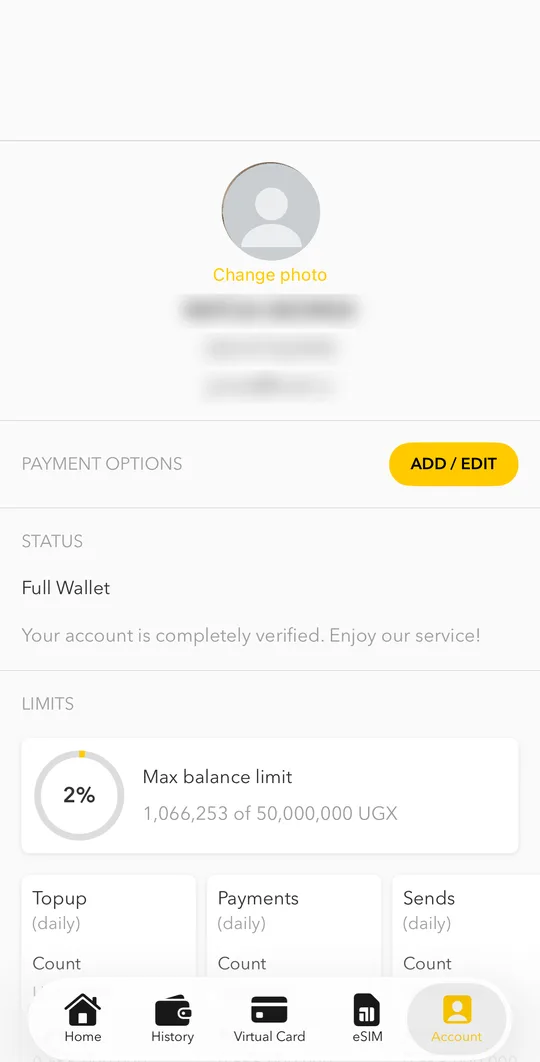
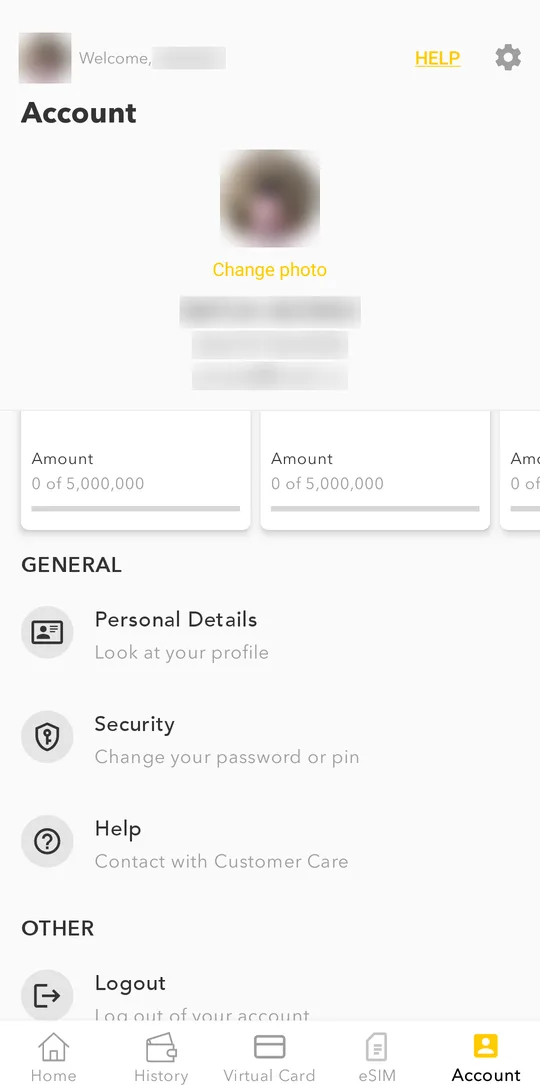
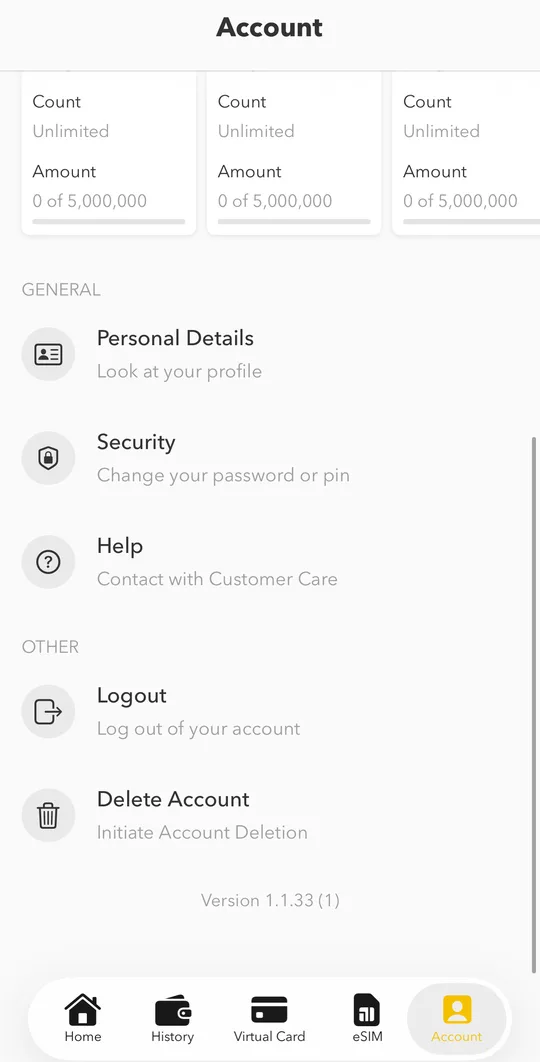
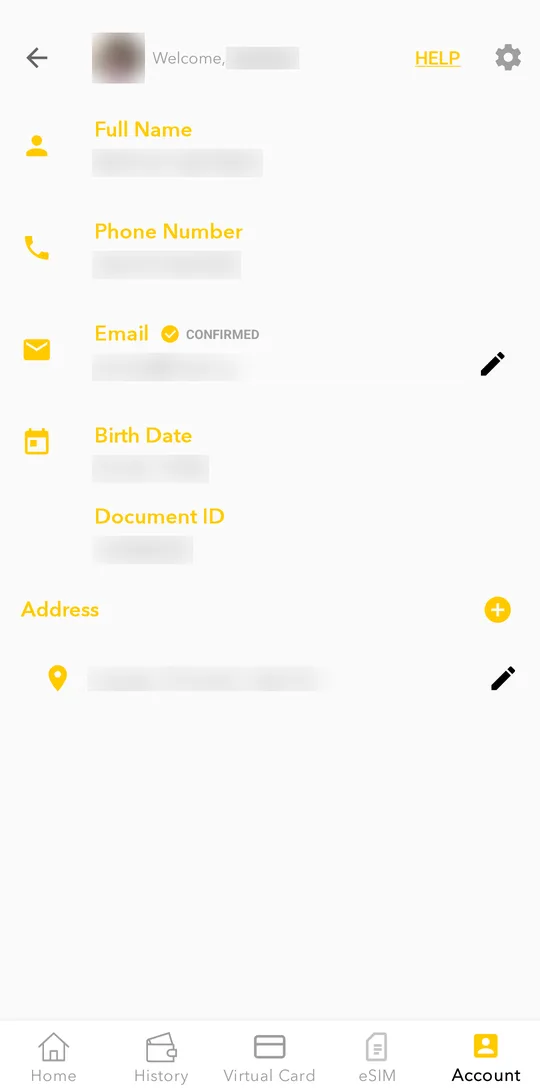
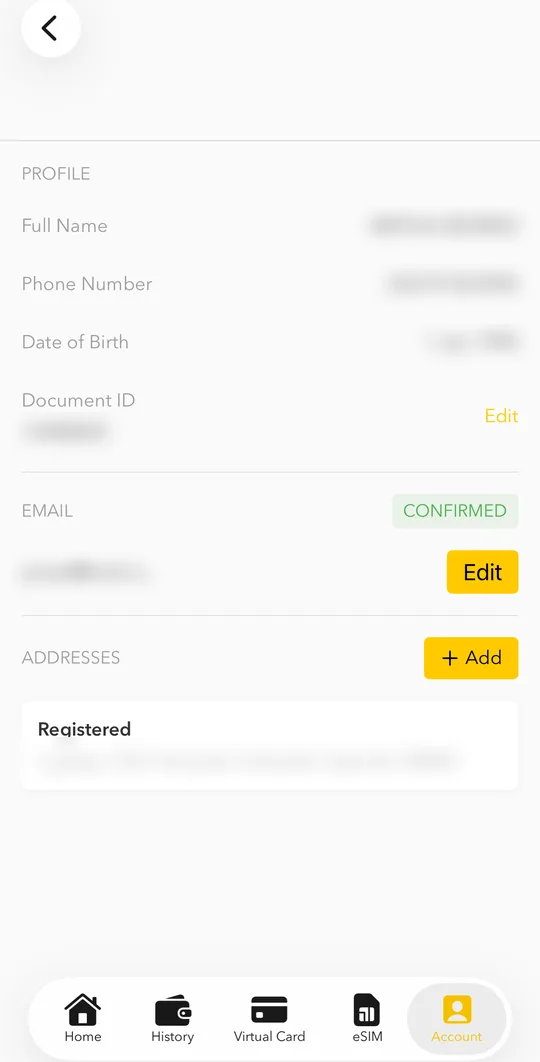
To set a profile photo, tap Change photo and choose Take photo or Choose from gallery.To set a profile photo, tap Change photo and choose Take photo or Choose from library.
Limits
Account > LIMITS shows how much you can send, pay and keep in your wallet. Limits grow with your verification level.
Password and PIN
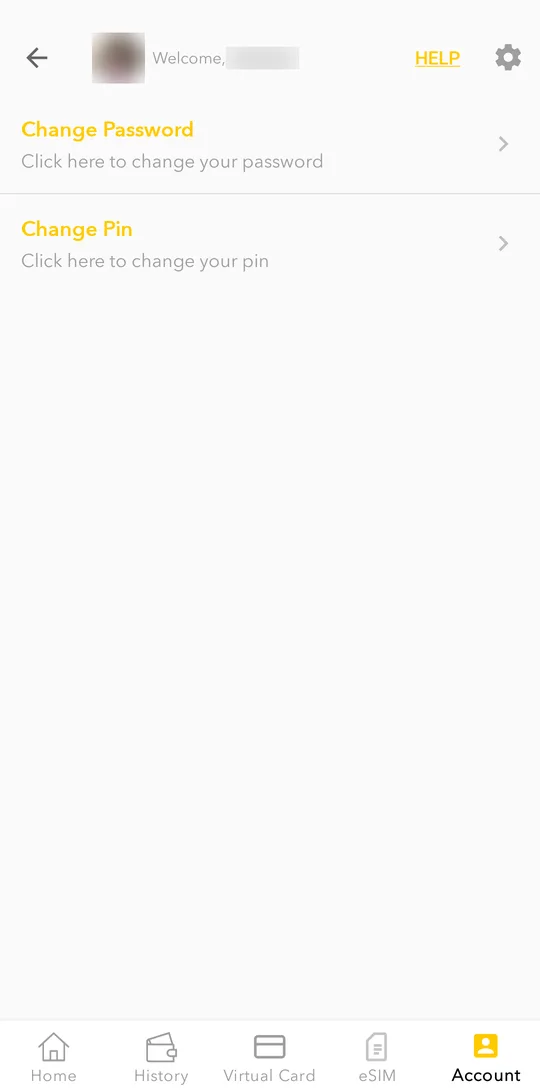
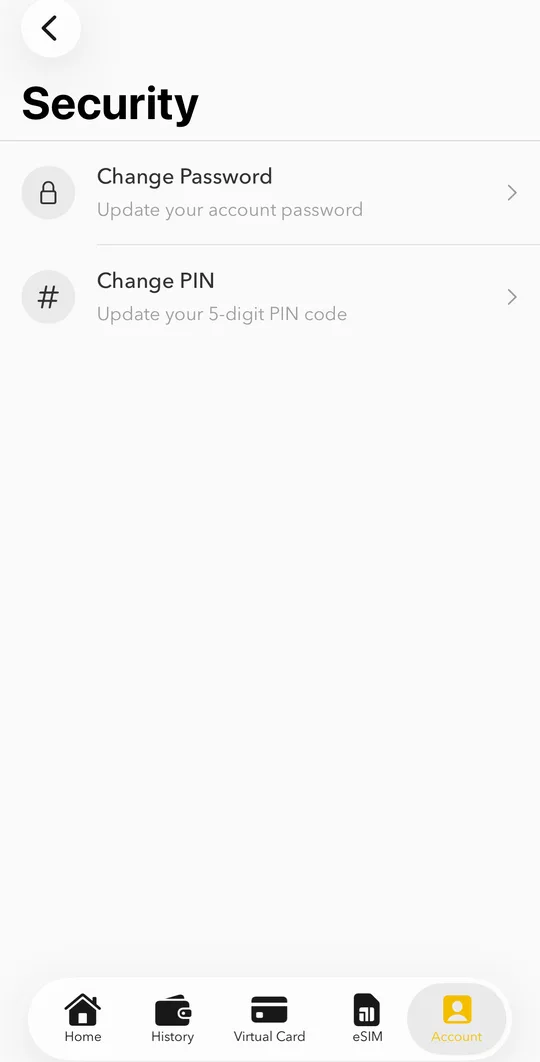
Open Account > Security and choose Change Password or Change PIN. On Android the app asks for your PIN first.
Notifications
We send notifications for payments, transfers, card purchases and the result of your ID check. If you do not get them, allow notifications for PayWay Wallet in your phone settings.