
Reset your password
- On the login screen, tap Forgot Password?.
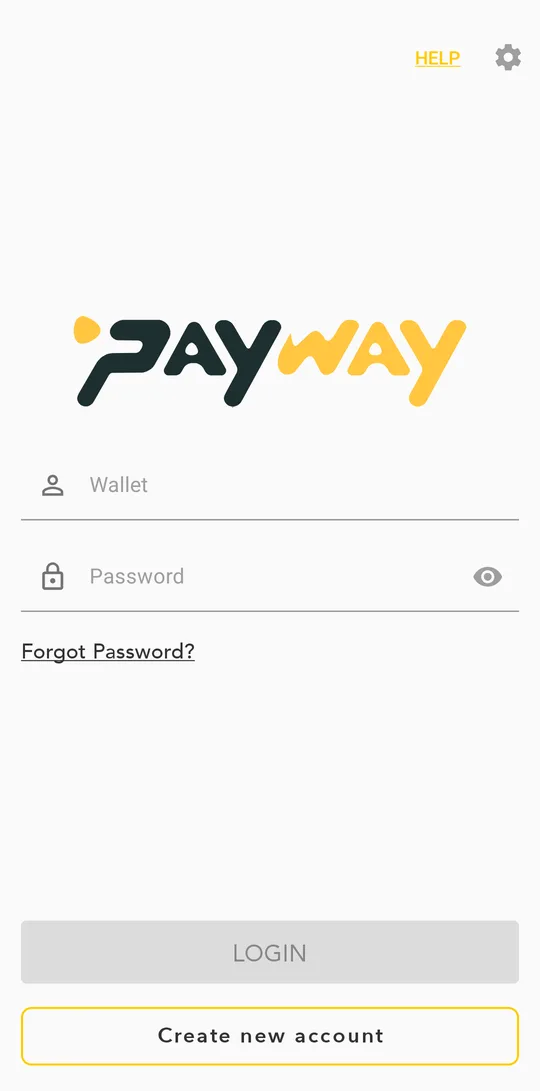
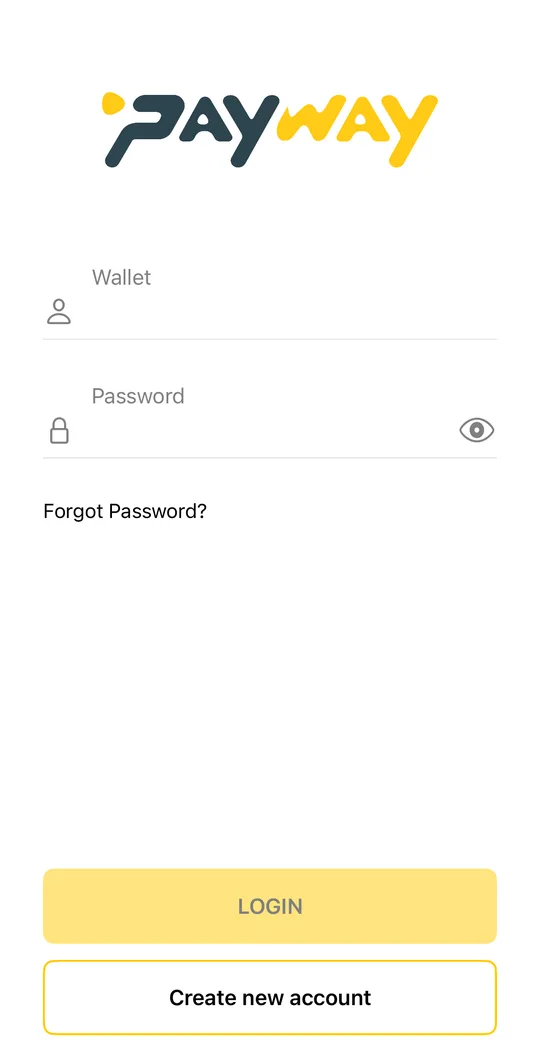
- Enter your phone number and tap CONFIRM.Enter your phone number and tap CONTINUE.
- Enter the code we send you by SMS and tap VERIFY.
- Tap START FACE SCAN and follow the face check.
- When you see Password Reset Successful, we send a new password to your phone by SMS. Tap BACK TO LOGIN and log in with it.
- After you log in, change the password in Account and security.
Too many failed face checks lock the reset for 15 minutes. Wait and try again, in good light, without glasses or a hat.
Forgot your PIN
Tap Forgot your pin? on the PIN screen and log in again with your phone number and password. Then create a new PIN.Tap Change User on the PIN screen and log in again with your phone number and password. Then create a new PIN.