
Log in
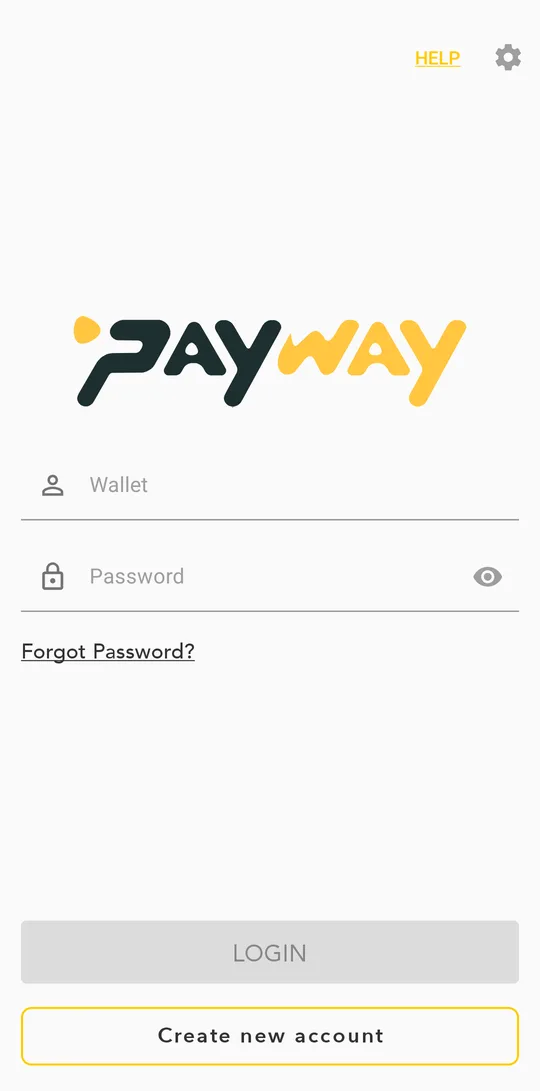
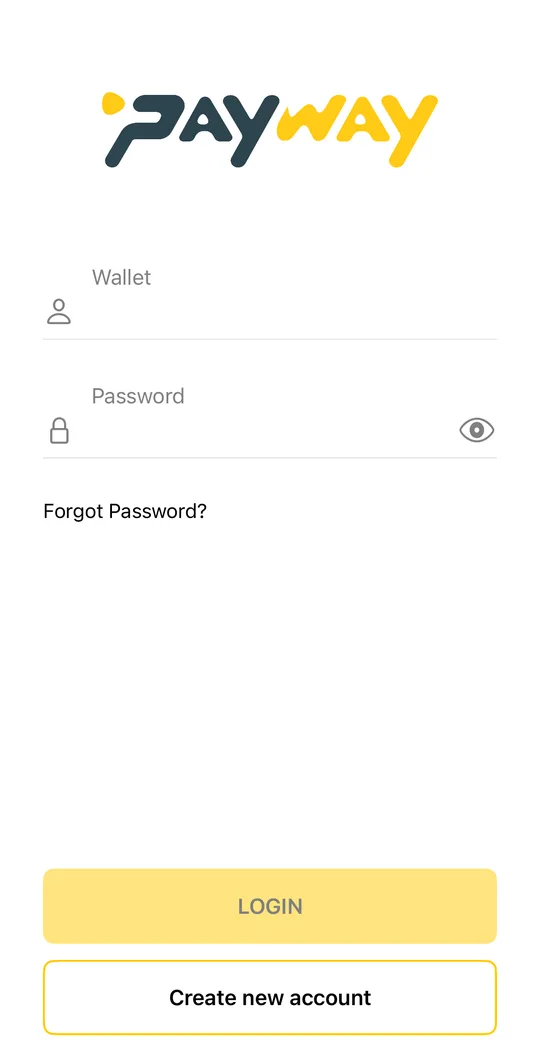
- Enter your wallet number (your phone number) and your password, then tap LOGIN.
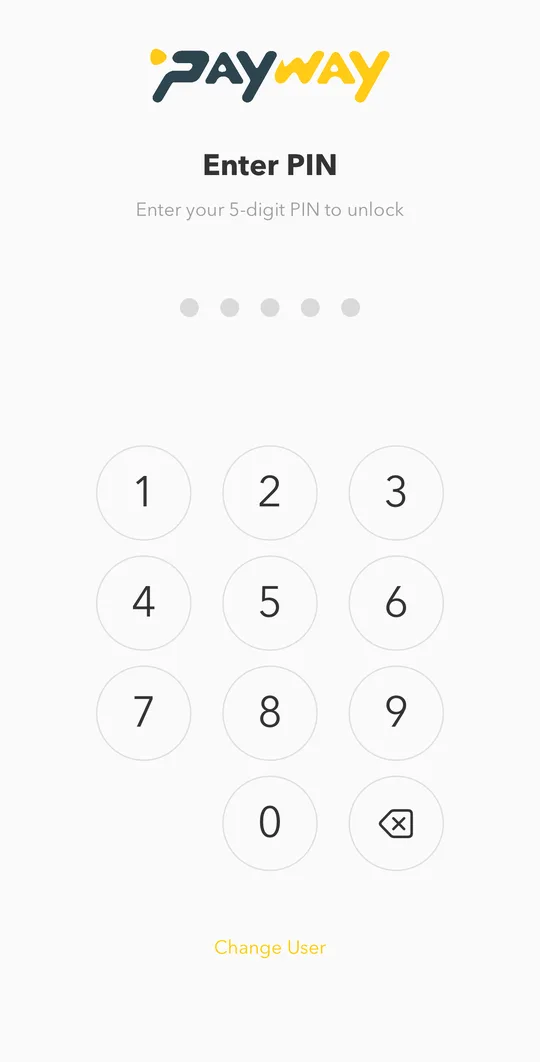
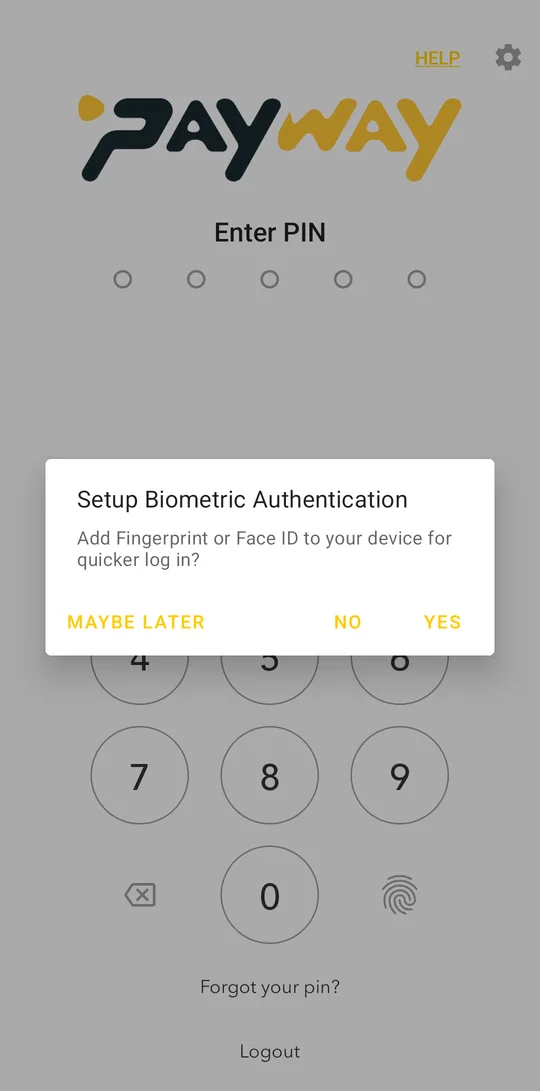
- Next time, the app asks only for your 5-digit PIN.
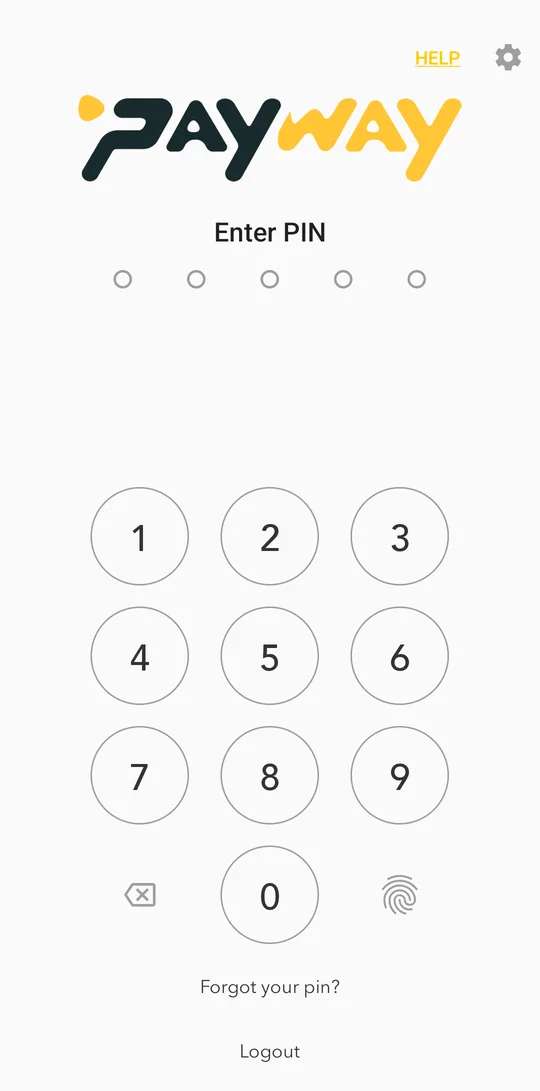
Use your fingerprint or face
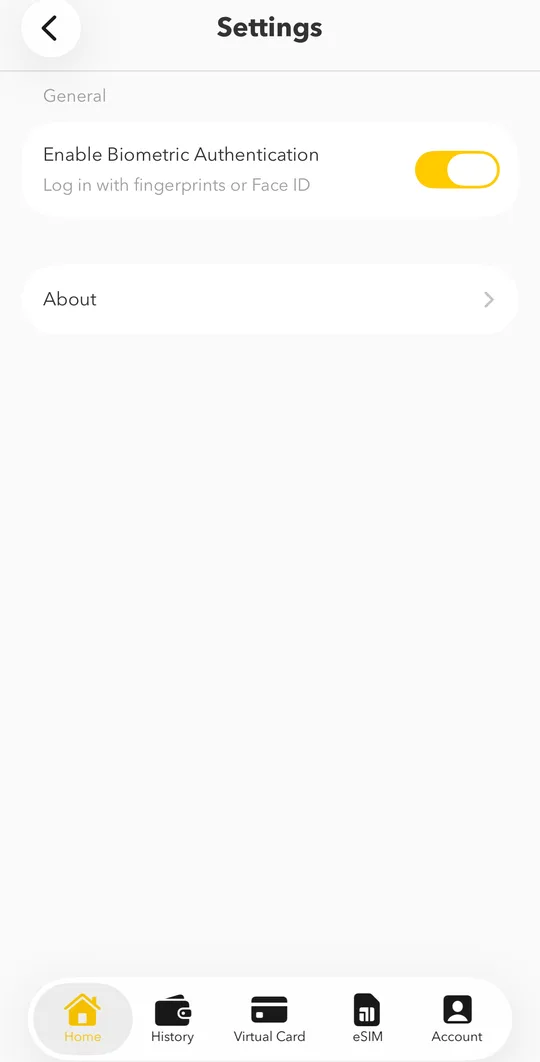
When the app offers Setup Biometric Authentication, tap YES. You can also turn on Enable Biometric Authentication later in the app settings (the gear icon). Then you can open the app and confirm payments with your fingerprint instead of the PIN.If Face ID is set up on your iPhone, PayWay uses it automatically: you open the app and confirm payments with your face instead of the PIN. To turn it off or on, tap the gear icon on the home screen, choose Settings and use Enable Biometric Authentication.
Logging in on a new phone
When you log in on a phone we have not seen before, the app asks for a quick face scan to make sure it is really you. Tap Continue and follow the instructions. This protects your money if someone learns your password.
Wrong PIN
After a few wrong PINs the app asks you to log in again with your phone number and password. If you also forgot the password, see Forgot your password.