PayWayHelp Center
Help Center / Pay and send

Receive money with My QR

Show your QR code so others can send you money without typing your number.

Show your QR code

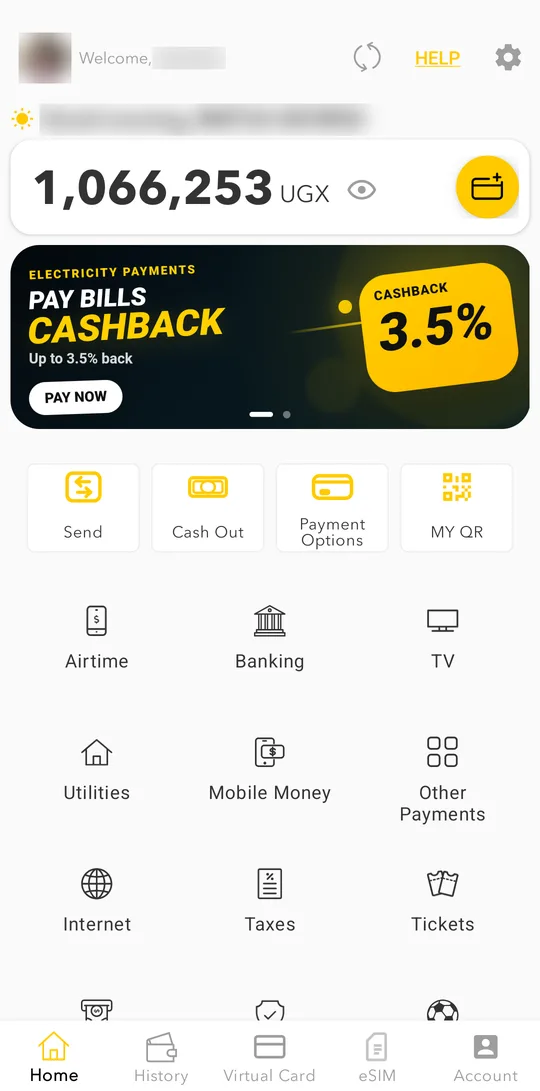
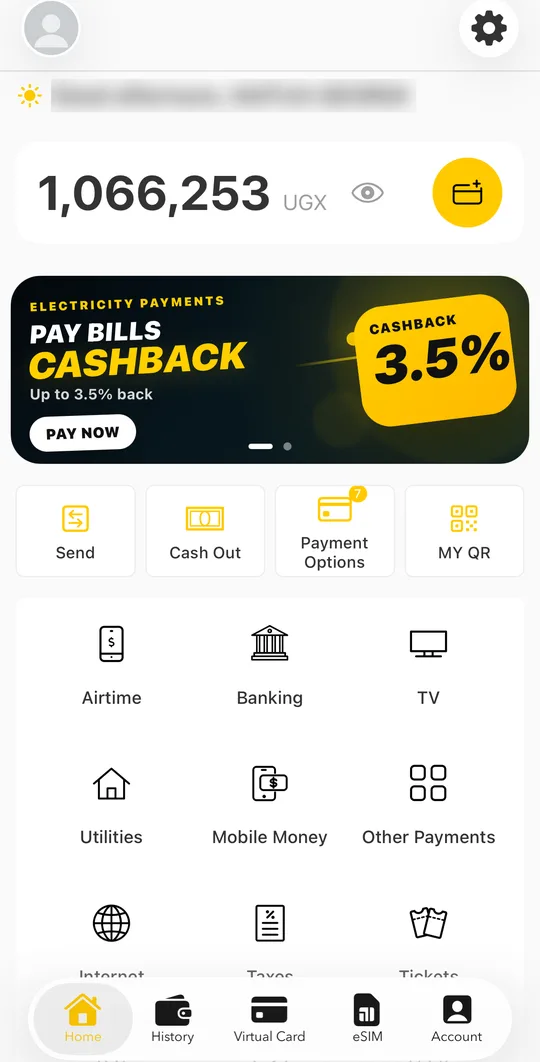
  1. On the home screen, tap MY QR.
    On the home screen, tap MY QR.
    On the home screen, tap MY QR.
  2. Show the code to the person who is paying you. It contains your wallet number.
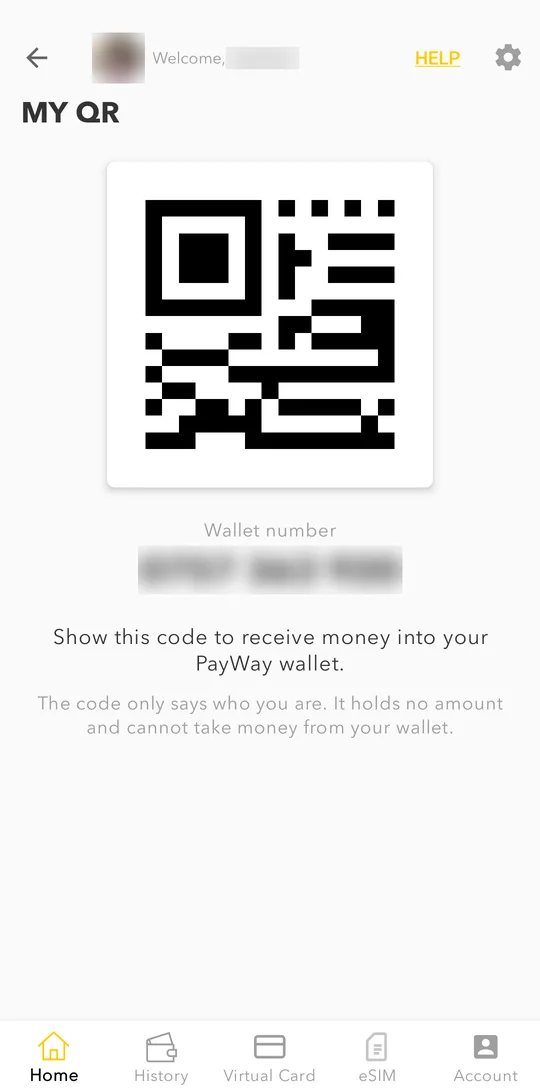
    Show the code to the person who is paying you. It contains your wallet number.
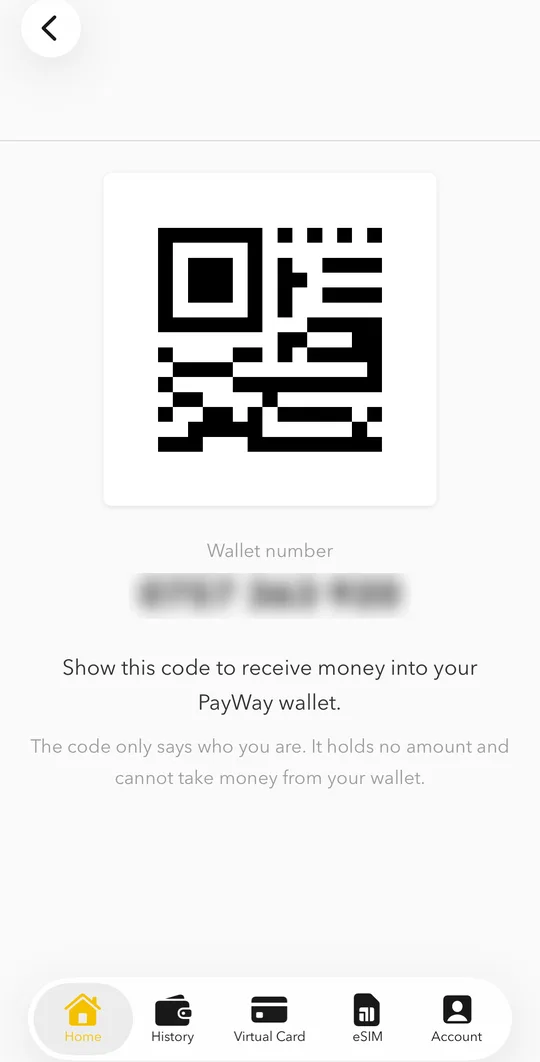
    Show the code to the person who is paying you. It contains your wallet number.
  3. They send the money from their PayWay app. You get a notification when it arrives.

My QR is available in PayWay Wallet 4.23 on Android and 1.1.32 on iPhone, and newer. Update the app if you do not see the button.

Related

Still need help? Talk to us.

WhatsApp

+256 709 002 002

Customer care (free)

0800 20 30 20

Email

customercare@payway.ug