
What you need
- a full wallet (ID, selfie and face match);
- your home address and a confirmed email in the app;
- money in your wallet for the first card load and the card fee.
The app tells you what is missing and takes you to fix it.
Order your card
- Open the Virtual Card tab and tap Get Virtual Card, or tap Get Card on the card banner on the home screen.
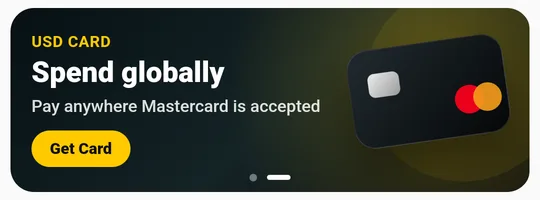
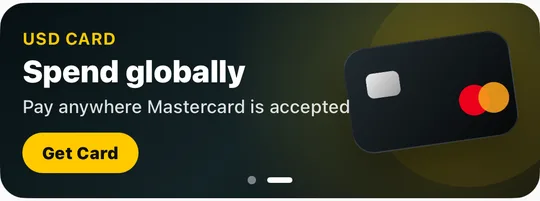
- Choose the card type. Each type shows its limit and minimum load.
- Enter the first load amount. The app shows how much it is in US dollars and the total taken from your wallet.
- Accept the terms and tap Create Card. Your card is ready within a few minutes.
You can have one active virtual card at a time.
Use and manage the card
- Card details. Tap Reveal Card Details to see the number, expiry date and CVV, and Copy All to paste them into a shop.
- Top up. Tap Top Up and move money from your wallet to the card.
- Withdraw to wallet. Move money from the card back to your wallet.
- Freeze. Block the card instantly if you are not using it, and Unfreeze it when you need it.
- Transactions. See every purchase with the shop name.
- Delete. Closes the card for good. A deletion fee equal to USD 1 applies.
Why was my card payment declined?
- Not enough money on the card. The shop asked for more than the card balance, for example a yearly subscription. Top up the card and try again.
- The card is frozen. Unfreeze it in the app.
- The shop refused the card. Some shops do not accept prepaid cards. Try another shop or contact us.
We send you a notification for every declined payment with the reason, the amount and the shop.