
Buy an eSIM
- Open the eSIM tab and tap Browse Plans.
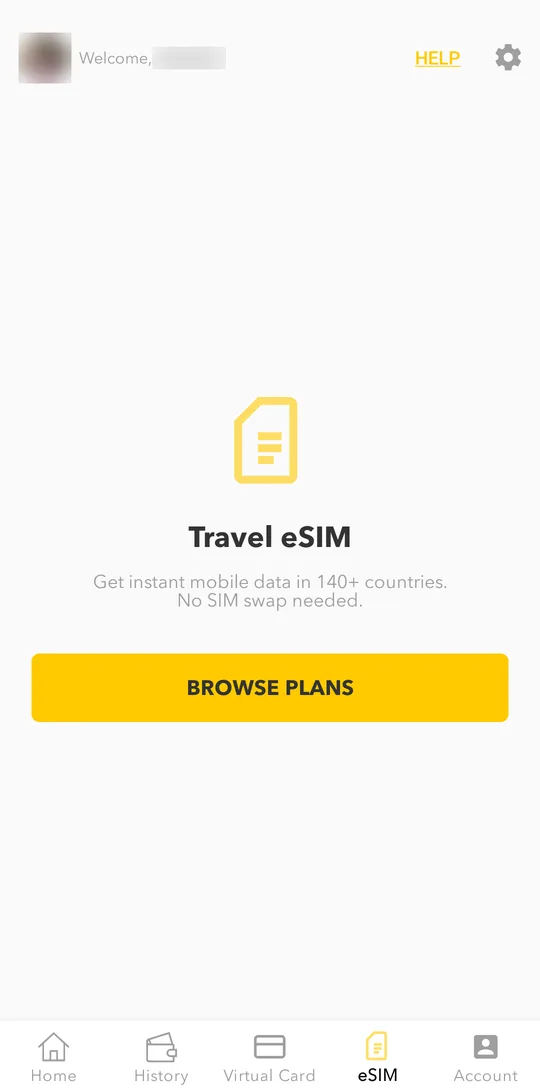
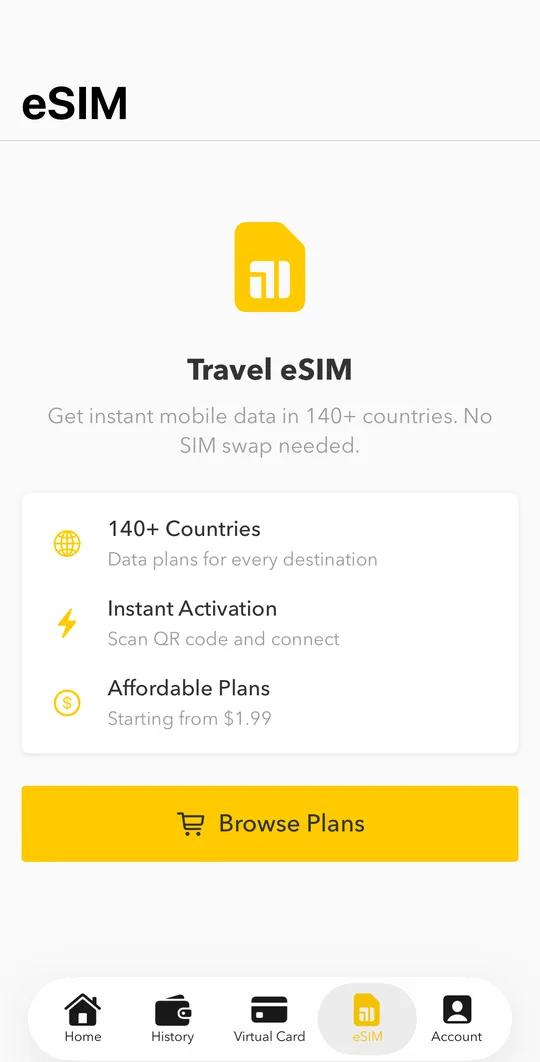
- Choose the country or region and the data plan. The first time, enter your email for the receipt.
- Pay, and your eSIM appears in the eSIM tab.
Install it on your phone
Open the eSIM and tap How to Install. Scan the QR code or enter the activation code in your phone settings. Your phone must support eSIM.
Install the eSIM while you still have internet at home, and turn it on when you arrive.
Usage and top-ups
The eSIM tab shows the data left and the days left. Tap Buy More Plans to add data to the same eSIM.