
Sign up
- Open PayWay Wallet and tap Create new account.
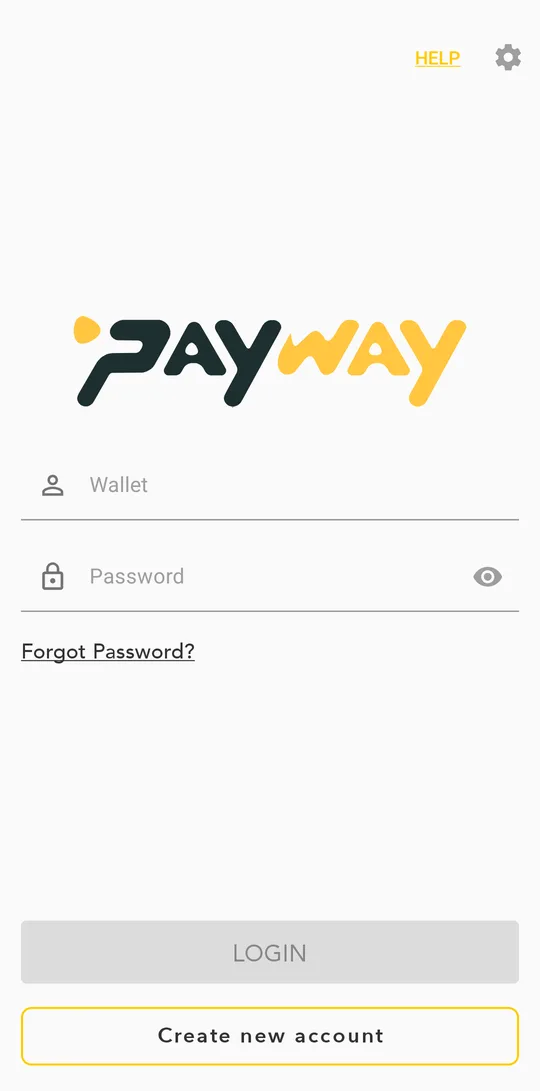
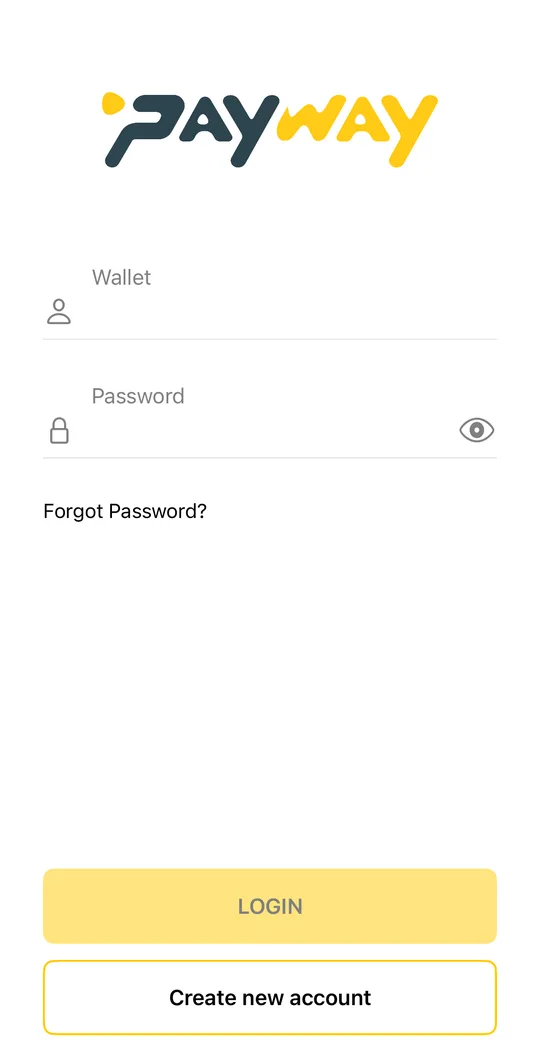
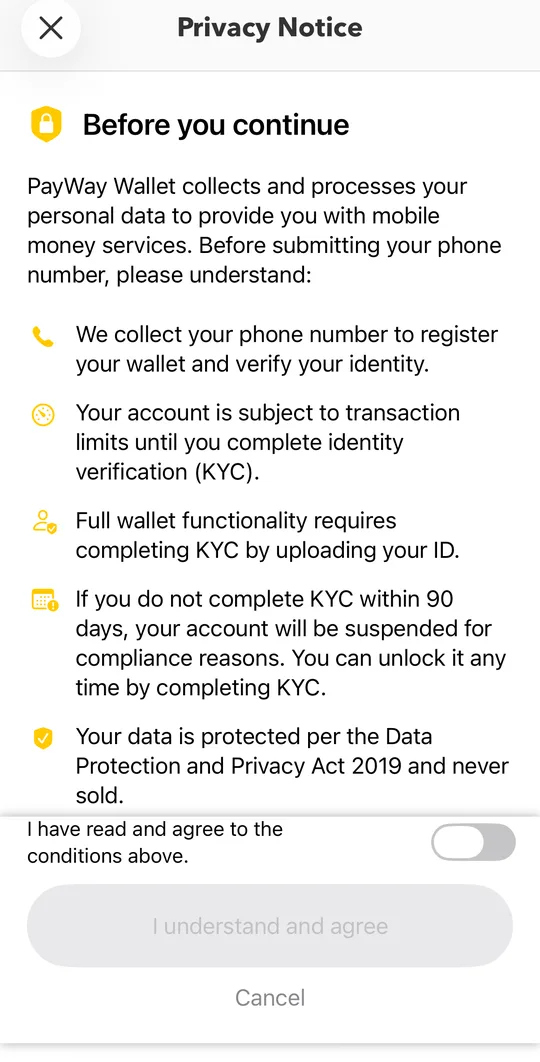
- Read the privacy notice, tick the box and tap I understand and agree.Read the privacy notice, turn on the switch and tap I understand and agree.
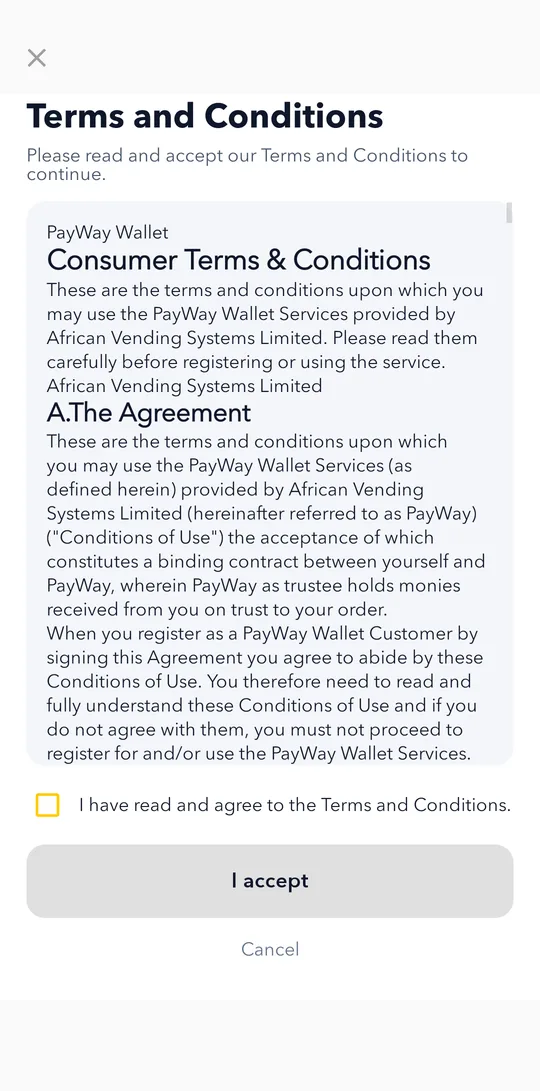
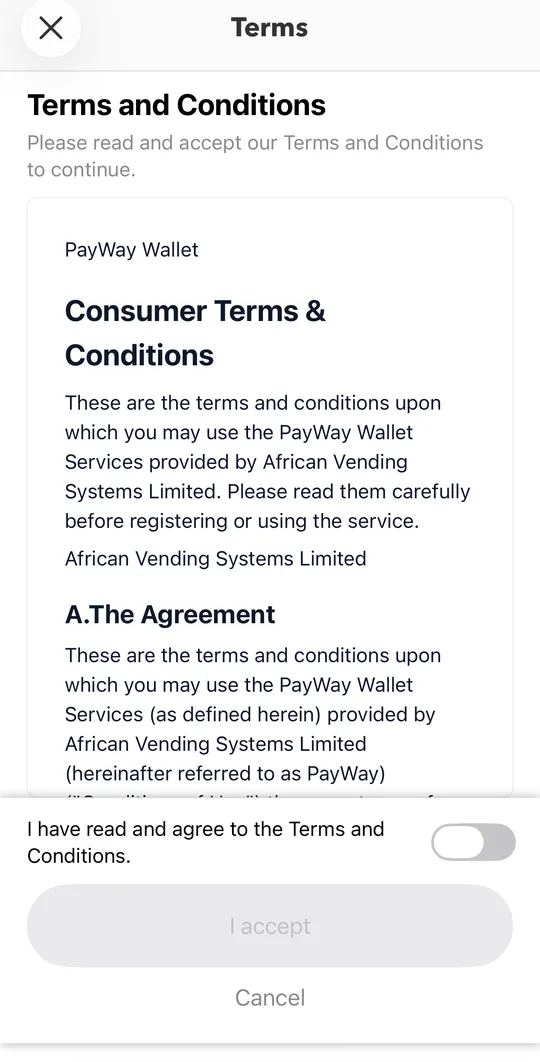
- Read the Terms and Conditions, tick the box and tap I accept.
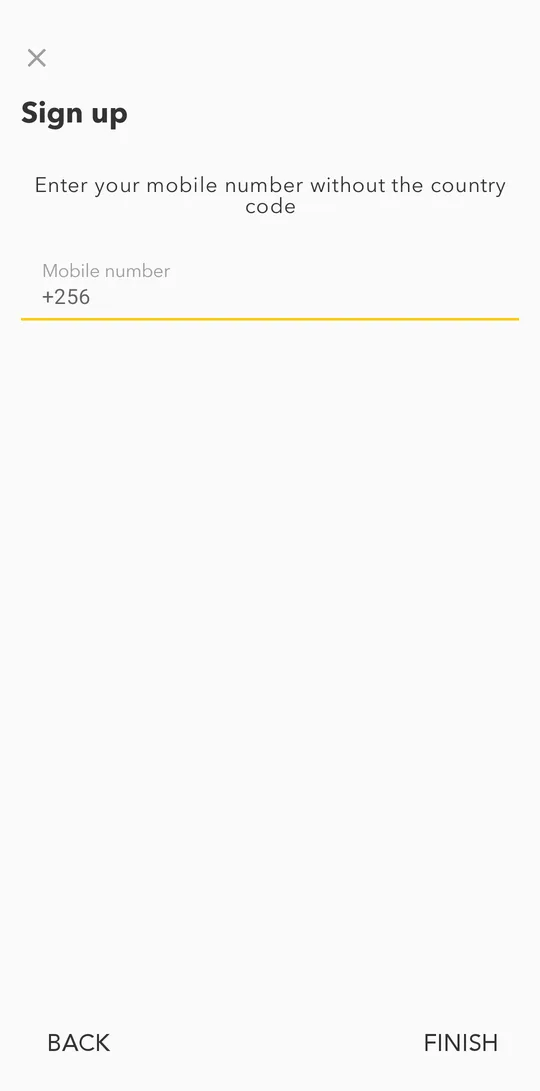
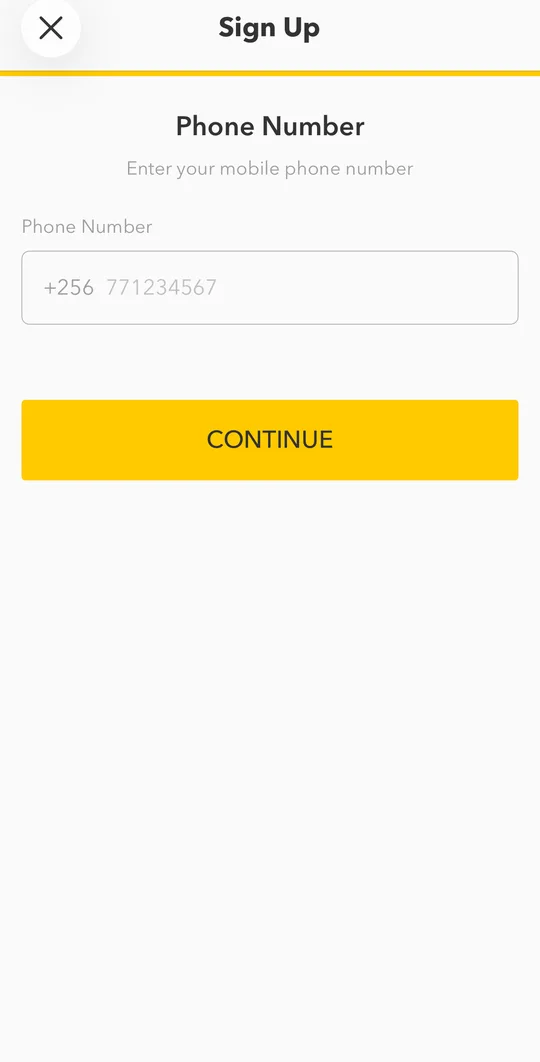
- Enter your mobile number without the country code and tap FINISH.Enter your mobile number without the country code and tap CONTINUE.
- Enter the verification code we send you by SMS. If it does not arrive, tap Send code again.Enter the verification code we send you by SMS. If it does not arrive, tap Resend Code.
- Enter your first name and last name exactly as they appear on your ID.
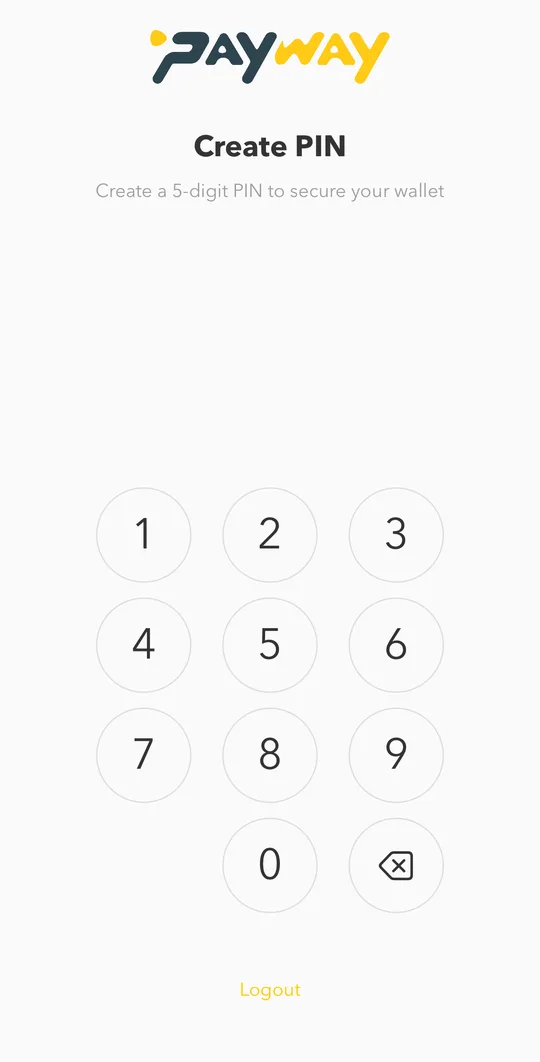
- Create a 5-digit PIN and enter it again to confirm. You will use it to open the app and approve payments.
- You will see Welcome to PayWay. Tap GET STARTED.
What you can do right after signing up
A new wallet can look around the app, but it cannot move money yet. To top up, pay, send or cash out, verify your ID. It takes about a minute.
Verify within 90 days. If your ID is not verified 90 days after you sign up, the wallet is suspended until you complete the check.