
What you can do with PayWay Wallet
PayWay Wallet is a mobile wallet for Uganda. With one app you can:
- pay bills: electricity, water, TV, internet, taxes, school fees and more;
- buy airtime and data bundles for any network;
- send money to another PayWay wallet, to MTN Mobile Money, to Airtel Money or to a bank account;
- top up from MTN or Airtel Mobile Money, at a PayWay retailer or by bank transfer;
- pay with your Visa or Mastercard bank card;
- get a PayWay Virtual Card in US dollars for online shopping and subscriptions;
- receive money by showing your own QR code;
- buy a travel eSIM for more than 140 countries;
- cash out at a PayWay retailer.
Install the app
- On Android, open Google Play and search for PayWay Wallet. On iPhone, open the App Store.
- Tap Install (Android) or Get (iPhone) and wait for the download to finish.
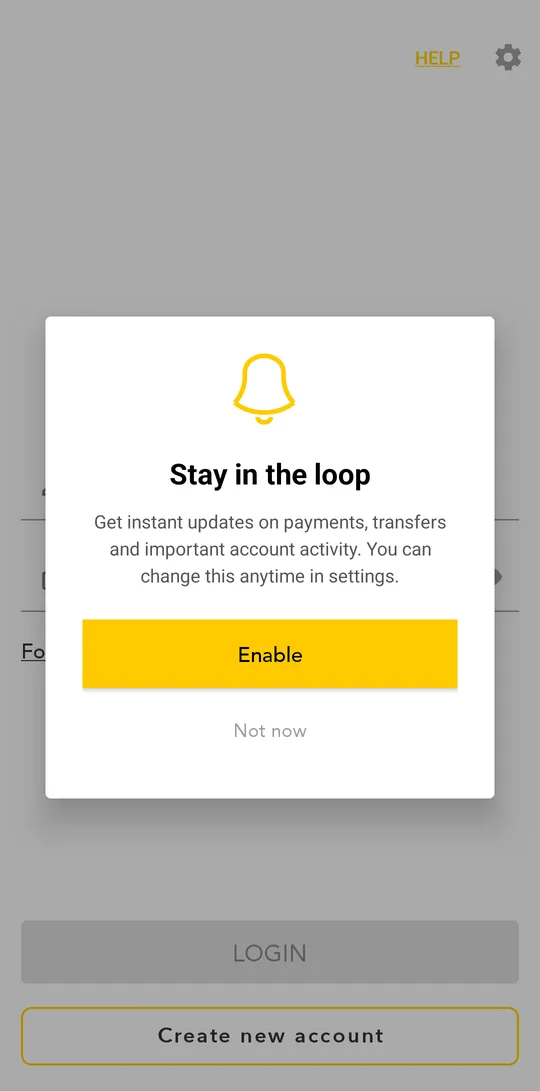
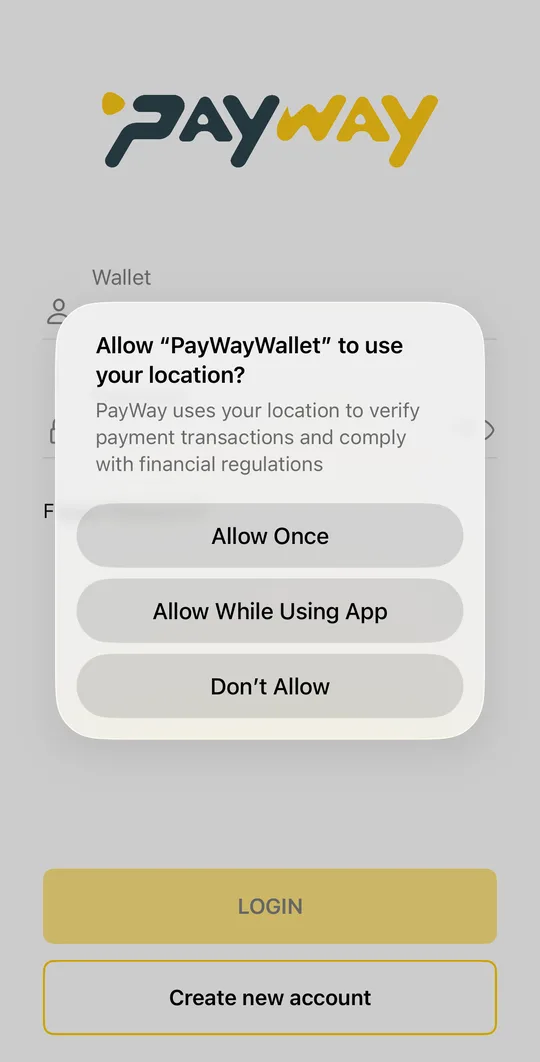
- Open the app. Allow notifications so we can tell you about payments, transfers and the result of your ID check.Open the app. Tap Allow While Using App for location, and allow notifications so we can tell you about payments, transfers and the result of your ID check.
Always install PayWay Wallet from Google Play or the App Store. Never install an app file someone sends you.
What you need
- a phone number registered in your name (MTN or Airtel Uganda);
- your original National ID, passport or driver's license for the ID check;
- an internet connection and location turned on: the law requires us to know where money operations take place.